General information for families, not medical advice. Nothing here diagnoses a condition or replaces the care team, so bring any app you are considering to the physical, occupational, or speech therapist who knows the case. Caring Village has no commercial relationship with the app developers ranked here. Some other outbound links may earn a commission at no extra cost; this does not affect selection or order.
11 Best Apps for Stroke Patients and Caregivers in 2026
Speech and aphasia practice, communication aids, hand therapy, live captions, medication reminders, and blood pressure tracking, sorted by the job each one does at home.

 Medically reviewed by Brooke Lounsbury, RN
If your household can only absorb one new app this month, make it Constant Therapy. It builds a daily speech, language, and cognitive program around the deficits a person is actually working on, for $29.99 per month after a two-week free trial.
Aphasia changes that answer. Tactus Therapy sells its aphasia apps as one-time purchases with free Lite versions, so practice can be tried before any money moves.
And if the problem is today’s conversation rather than this month’s practice, the captions already on the phone in your pocket will do more than most paid downloads. Our guide to apps for hearing access compares those built-in options with other captioning tools and explains the privacy and accuracy limits to check.
Editorial disclosure. Caring Village makes care-coordination software for families and has no commercial relationship with the developers reviewed here. Details were taken from each developer’s own product pages, App Store and Google Play listings, and support documentation.
Not Sure Where to Start?
Jump straight to the pick that matches what is hardest right now.
The Best Stroke Recovery Apps at a Glance
Tap an app to jump to its full write-up. Caring Village sits at the top because it holds the therapy calendar, medication list, and documents that the rest of the recovery runs on.
| App | Best For | Platforms | Price |
|---|---|---|---|
| Caring Village Care Coordination | Keeps the therapy calendar, medication list, and home-practice notes of a stroke recovery visible to everyone helping. Used by 85,000+ families. | ||
01Constant TherapyBest for structured daily practice | Daily exercises that adapt as skills improveTherapy app | iPhone, iPad, Android, Chromebook | $29.99 per month, two weeks free |
02Tactus TherapyBest one-time purchase for aphasia | Buying only the exercise type you needTherapy app | iPhone, iPad, Android, web | $9.99 to $89.99 once; free Lite versions |
03Lingraphica SmallTalkBest free start for aphasia | Trying picture communication at no costCommunication app | iPhone, iPad | Free |
04Proloquo2GoBest full AAC, bought once | A permanent voice on an iPad you ownAAC app | iPhone, iPad, Apple Watch | $249.99 one time |
05TD SnapBest AAC page set for adults | An adult aphasia layout, not a child’sAAC app | iPad, Tobii Dynavox devices | Free download; $9.99 per month for speech |
06Live Transcribe and Live CaptionsBest free conversation support | Reading what was just saidBuilt-in phone feature | Android app; iPhone 11 and later | Free, already on the phone |
07MyTherapyBest free medication reminders | A medication list that keeps changingTracking app | iPhone, iPad, Android | Free with ads; $49.99 lifetime upgrade |
08Omron ConnectBest blood pressure log | Readings the doctor can actually readDevice companion | iPhone, iPad, Android (US, Canada) | Free; needs a compatible Omron monitor |
09PhysiAppBest for a therapist’s own program | The exercises the therapist prescribedClinician-assigned | iPhone, Android, web, Watch | Free with a code from the clinic |
10DexteriaBest cheap hand practice | Pinch, tap, and writing control repsTherapy app | iPhone, iPad | $6.99 one time |
11VA Stroke RecoveryBest free companion for veterans | Weekly lessons plus vitals and visitsEducation and tracking | iPhone, iPad, Mac, Vision | Free |
Scroll the table sideways to see platforms and price.
Prices verified on each developer’s own store listing or pricing page. Subscription prices, one-time prices, and platform support all change without notice.
Match the App to the Problem You Are Solving This Week
Most stroke app lists are organized by brand. Families decide by symptom. These seven recovery domains cover almost everything an app can help with at home, with the first thing to try and the free thing that pairs with it.
Talking and Being Understood
Words come and go while the thinking behind them stays intact. Roughly one third of stroke survivors have aphasia, and it is a language problem, not an intelligence problem.
Structured Practice Between Visits
Home practice may be part of a therapist’s plan. Use the exercises and schedule the rehabilitation team recommends.
Speaking When Speech Is Not Back Yet
Augmentative and alternative communication gives a person a working voice now, while language therapy continues underneath it.
Hand and Arm Repetitions
CDC reports that stroke reduces mobility in more than half of stroke survivors age 65 and older. A physical or occupational therapist can set safe exercises and repetition goals for the person recovering.
Medications After Discharge
The list that leaves the hospital is rarely the list four weeks later. Doses change, one drug gets stopped, and three people are each sure they know the current version.
Blood Pressure and Vitals
Home readings matter after a stroke. About 185,000 strokes a year, nearly 1 in 4, happen in people who have had a stroke before, which is why clinicians ask for a log rather than a number recalled at the visit.
Keeping the Family in Sync
Every app above produces information that somebody else needs: a new dose, a moved appointment, a therapist’s note about what to practice.
How These Apps Were Evaluated
These picks were researched and evaluated from published sources, not clinically tested. Store listings, developer pricing pages, and support documentation were checked for availability, platform, cost, and current features, and anything discontinued or unmaintained was either dropped or flagged.
The American Stroke Association is direct about where the decision belongs: physical, occupational and speech-language therapists recommend tools based on your personalized goals. Treat this list as a shortlist to bring to that conversation.
Four things decided the order:
- Fit to a real deficit. Does the app target aphasia, apraxia, cognition, hand function, or medication routine, rather than general brain games?
- Honest total cost. Subscription, one-time price, in-app purchases, and whether a device or a clinician is required before it works at all.
- Still maintained. A recent version date on the store listing, because an abandoned app quietly stops working after an operating system update.
- Usable with one working hand. Large targets, forgiving timing, and no dense menus.
The 11 Best Apps for Stroke Patients in 2026
Start with the one that matches the hardest part of this month, not the one with the most features.

Where Caring Village Fits Alongside Stroke Recovery Apps
Caring Village is the app for the coordination half of stroke recovery. It holds the therapy calendar, the current medication list, and a shared care plan carrying the home-practice instructions the therapist gave, each task under a named owner.
Change a dose on Tuesday and the sibling arriving Thursday reads the updated list. Role-based access decides who sees the full medical file and who only sees a ride. Used by over 85,000 families.
- One calendar for speech, physical, and occupational therapy, including who is driving
- A medication list the whole village reads, updated once instead of five times
- Documents, to-dos, and family updates beside the care plan they belong to
Constant Therapy
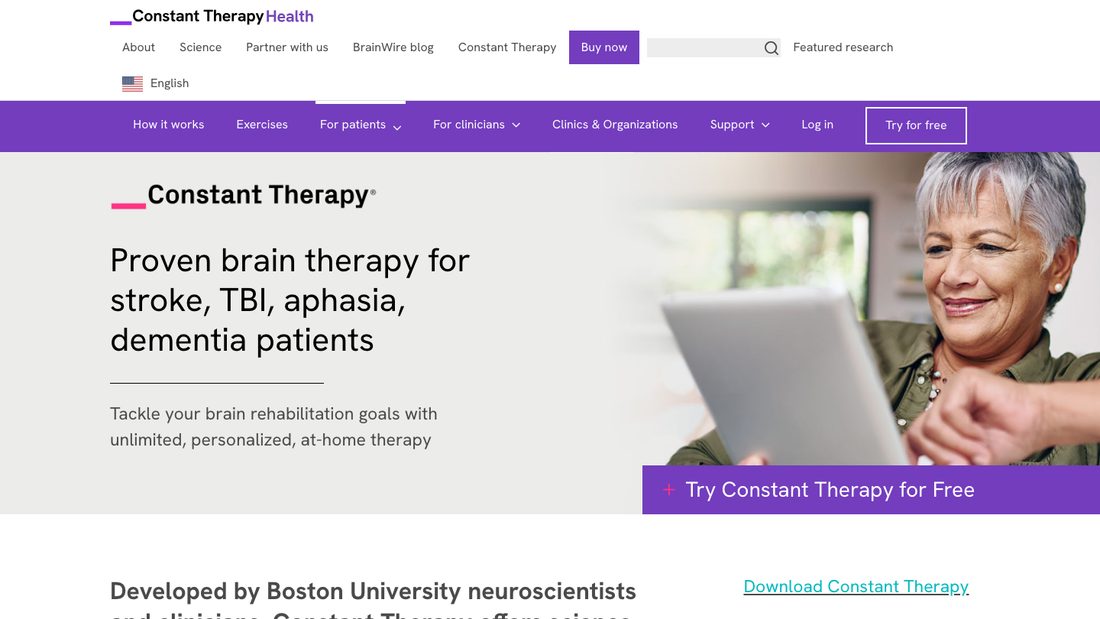
★ Best for structured daily practiceA daily speech, language, and cognitive program that picks the next exercise for you and moves the difficulty as the person improves.
- Best forFamilies who want something to do every day between outpatient sessions
- Available oniPhone, iPad, Android, and Chromebook, with English (US), English (India), and Spanish (US) support
- Pricing$29.99 per month after a two-week free trial, with a 30-day money-back guarantee and HSA or FSA payment accepted
- What it doesAssigns exercises for memory, attention, naming, reading, writing, and problem solving, then adjusts the level automatically
Pricing, trial, refund, and HSA or FSA details verified on the Constant Therapy pricing page, and platform support on its patient page.
Check out Constant TherapyThe reason this ranks first is the decision it removes. A caregiver does not choose today’s exercises or judge whether they were too easy, because the program does both.
Constant Therapy Health says the program was developed by Boston University neuroscientists and clinicians, and the company positions it for stroke and traumatic brain injury recovery as well as aphasia and dementia.
Two weeks free is long enough to answer the only question that matters at the start: will this person actually open it tomorrow.
Constant Therapy Considerations
- At $29.99 a month it is the most expensive recurring pick here, and the cost continues for as long as practice continues.
- Constant Therapy Health states on its own site that it does not provide rehabilitation services and does not guarantee improvements in brain function, so it supplements a therapist rather than replacing one.
- It needs an internet connection, which matters in rural homes and during travel.

The Home Practice Plan Sits Where Every Helper Can Read It
Caring Village holds the therapist’s home-practice instructions in a shared care plan, each task under a named owner. Whoever is in the house on Thursday sees what was asked for and what is already done.
- Daily and weekly care plans anyone in the village can open
- Practice tasks carry a named owner, not a general reminder
- Role-based access decides who sees each part
Tactus Therapy
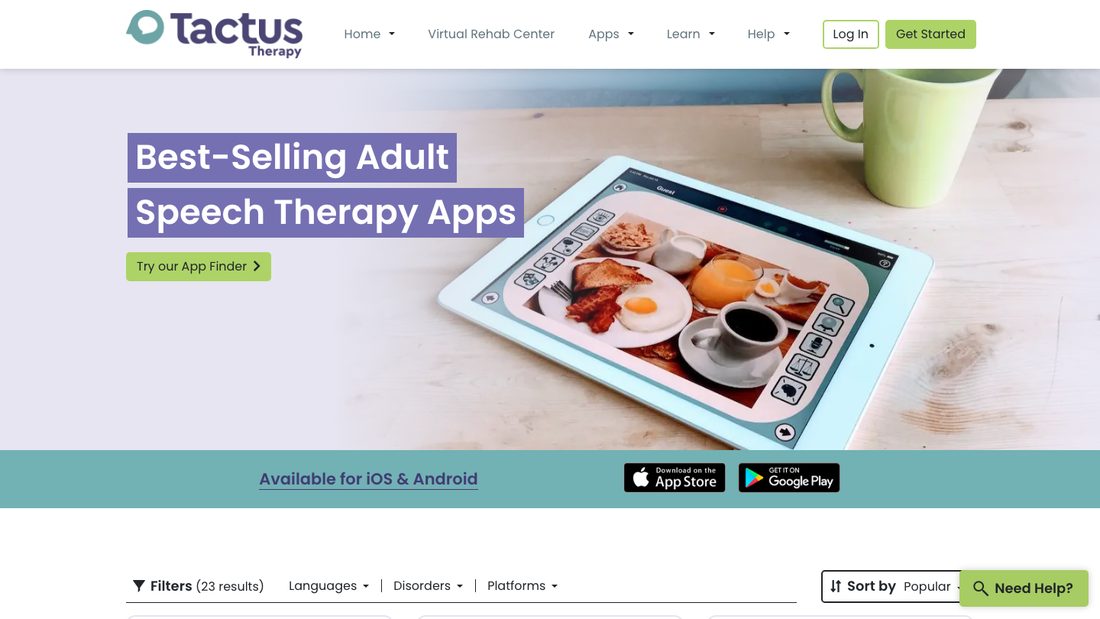
★ Best one-time purchase for aphasiaIndividual speech therapy apps sold outright, so a family buys naming practice without paying for reading practice they do not need.
- Best forHouseholds that cannot carry another subscription but can spend once
- Available oniPhone, iPad, and Android, plus a browser-based Virtual Rehab Center
- PricingSingle apps $9.99 to $89.99 one time; the Aphasia Essentials bundle is $159.99; the web Virtual Rehab Center is $22 per month
- Free optionMost apps ship a free Lite version, so an exercise type can be tried before purchase
App list, categories, platforms, bundle names, and prices verified on the Tactus Therapy apps page.
Check out Tactus TherapyThe catalogue is unusually specific. Naming Therapy, Comprehension Therapy, Reading Therapy, Writing Therapy, Category Therapy, and Number Therapy each cost $29.99 and each drill one thing, which suits a therapist who has already named the target.
Apraxia Therapy and Speech FlipBook handle the motor-planning side of speech, and Visual Attention Therapy is aimed at scanning the neglected side of the page.
Start with the free Lite version of whichever one the speech-language pathologist points at. If it holds attention for a week, the paid version costs less than a month of most subscriptions.
Tactus Therapy Considerations
- Nothing chooses for you. Someone has to decide which deficit to work on, which is why the SLP conversation comes first.
- Buying several apps separately can pass the price of the bundle, so compare the bundle before the third purchase.
- The apps drill skills rather than adapting a whole program the way a subscription does.
Lingraphica SmallTalk
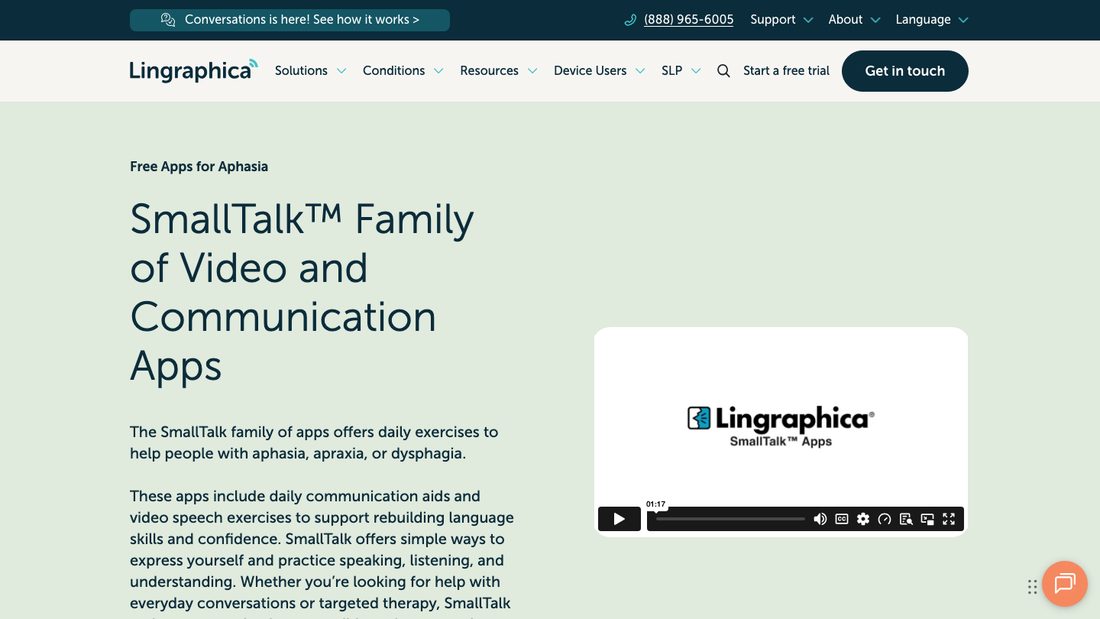
★ Best free start for aphasiaA family of free picture-and-video apps that let someone tap a phrase, and show the tongue and lip movements behind key words.
- Best forThe first week after discharge, when nobody knows yet what will help
- Available oniPhone and iPad only; there is no Android version
- PricingFree, with no in-app purchases
- What it doesCommunication boards for daily activities, conversation, pain, dysphagia, and hospital needs, plus video speech exercises for phonemes and oral motor movements
App list verified on the Lingraphica SmallTalk page; price and version date on the SmallTalk Aphasia Female App Store listing.
Check out Lingraphica SmallTalkSmallTalk Intensive Care and SmallTalk Pain Scale earn their place in a hospital room, where a person needs to report pain before anyone has arranged a therapy plan.
The male and female voice versions matter more than they sound. An adult who is already losing autonomy usually does not want a synthetic voice of the wrong gender speaking for them.
Lingraphica SmallTalk Considerations
- The SmallTalk Aphasia Female app was last updated in April 2021, so treat these as stable free tools rather than actively developed software.
- The vocabulary is fixed. Icons can be reordered or hidden, but you cannot build a personal page set the way a full AAC app allows.
- Apple devices only, which decides the hardware if this is the starting point.
Proloquo2Go
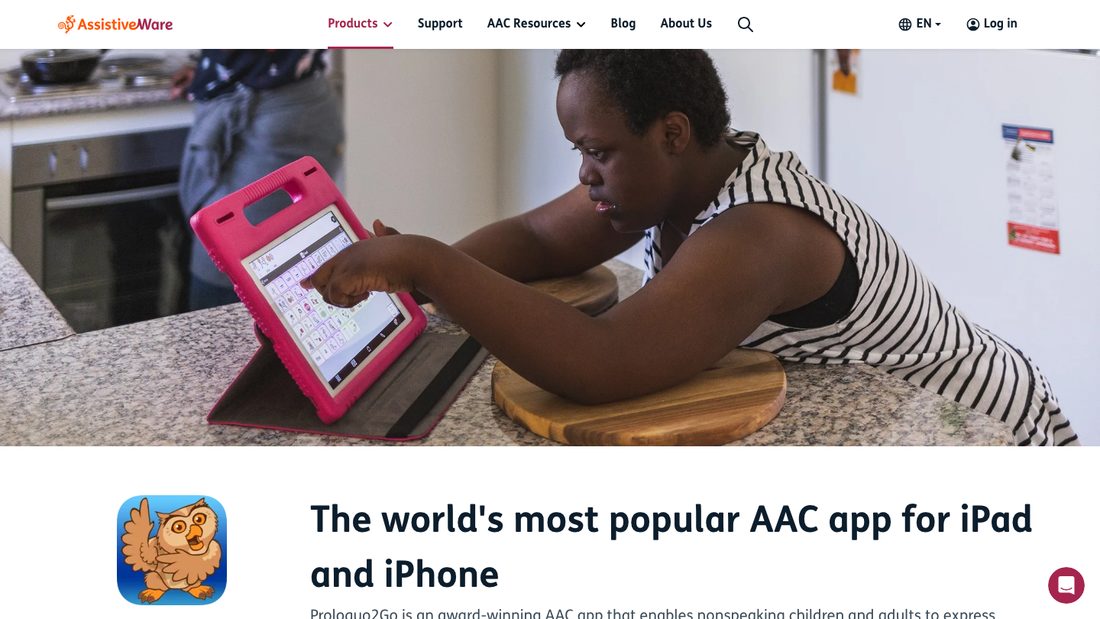
★ Best full AAC, bought onceA complete symbol-and-text communication system that turns an iPad the household already owns into a speaking device, with no monthly fee behind it.
- Best forA person who will need a voice for years, not weeks
- Available oniPhone, iPad, and Apple Watch, requiring iOS or iPadOS 18 or later
- Pricing$249.99 one time on the App Store, with an optional Gateway vocabulary in-app purchase at $149.99
- What it doesAround 25,000 built-in symbols, custom photos, over 100 voices, word prediction, switch scanning, and VoiceOver support
Price, in-app purchase, version 8.9.1 updated July 22, device requirements, and feature list verified on the Proloquo2Go App Store listing and the AssistiveWare product page.
Check out Proloquo2GoThe one-time price is the argument. At $249.99 it is the largest single number on this page, but TD Snap charges $9.99 a month for speech output, which puts Proloquo2Go at roughly two years of that subscription and nothing after.
Switch scanning and VoiceOver support matter after a stroke with hemiparesis, because they let someone drive the app without needing accurate touch on the affected side.
If device fit is the open question, the Caring Village guide to tablets for seniors is the useful next read, since screen size and weight decide whether an AAC app gets carried into the kitchen or left on a nightstand.
Proloquo2Go Considerations
- Its Crescendo vocabulary was designed largely for people who are building language for the first time, so an adult with aphasia usually needs an SLP to rebuild the page set around words they already own.
- Requires iOS or iPadOS 18, which rules out older hardware sitting in a drawer.
- At 1 GB it is a real install, and setup time is measured in sessions rather than minutes.
One Calendar for Speech, Physical, and Occupational Therapy
Stroke recovery often means three therapy schedules and a neurology follow-up. The Caring Village shared calendar puts them in one view, so the sibling driving Tuesday sees the same times as the spouse booking Thursday.
- Appointments, rides, and priority events in one view
- Village members can volunteer for a drive that needs cover
- Premium plans sync with Google, Apple, and Outlook calendars
TD Snap
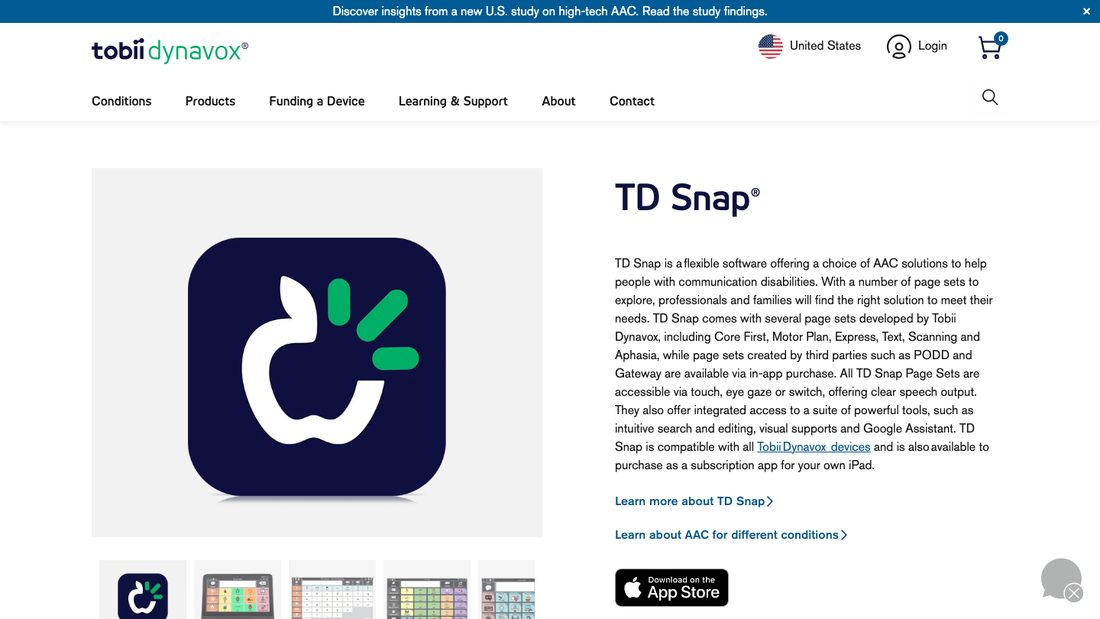
★ Best AAC page set for adultsThe only mainstream AAC app here with a page set built specifically for adults with aphasia, rather than one adapted from a child’s vocabulary.
- Best forAn adult who needs aphasia-specific vocabulary from day one
- Available oniPad, requiring iPadOS 13 or later, and every Tobii Dynavox device
- PricingFree to download; speech output runs $9.99 per month after a one-month trial, and add-on page sets are $4.99 per month each
- What it doesCore First, Motor Plan, Express, Text, Scanning, and Aphasia page sets, with touch, eye gaze, or switch access and more than 75,000 symbols
Price, subscription structure, iPadOS requirement, and version 1.40.2 verified on the TD Snap App Store listing; page sets and device compatibility on the Tobii Dynavox product page.
Check out TD SnapTobii Dynavox describes the Aphasia page set as designed to help adults with aphasia communicate while also supporting language recovery, which is a different goal from simply producing speech.
Free download plus a one-month trial means a family can find out whether the layout suits this person before any money changes hands. That is the practical advantage over a $249.99 one-time purchase.
If the device ends up being funded through insurance, Tobii Dynavox publishes a funding path that starts with a speech-language pathologist evaluation, so book that before shopping.
TD Snap Considerations
- Speech output stops when the subscription stops, so the running cost never ends the way a one-time purchase does.
- The App Store version is iPad only, and at 3.6 GB it needs real storage.
- Its App Store rating sits at 4.2 out of 5 from 813 ratings, lower than the other AAC pick here.
Live Transcribe and Live Captions
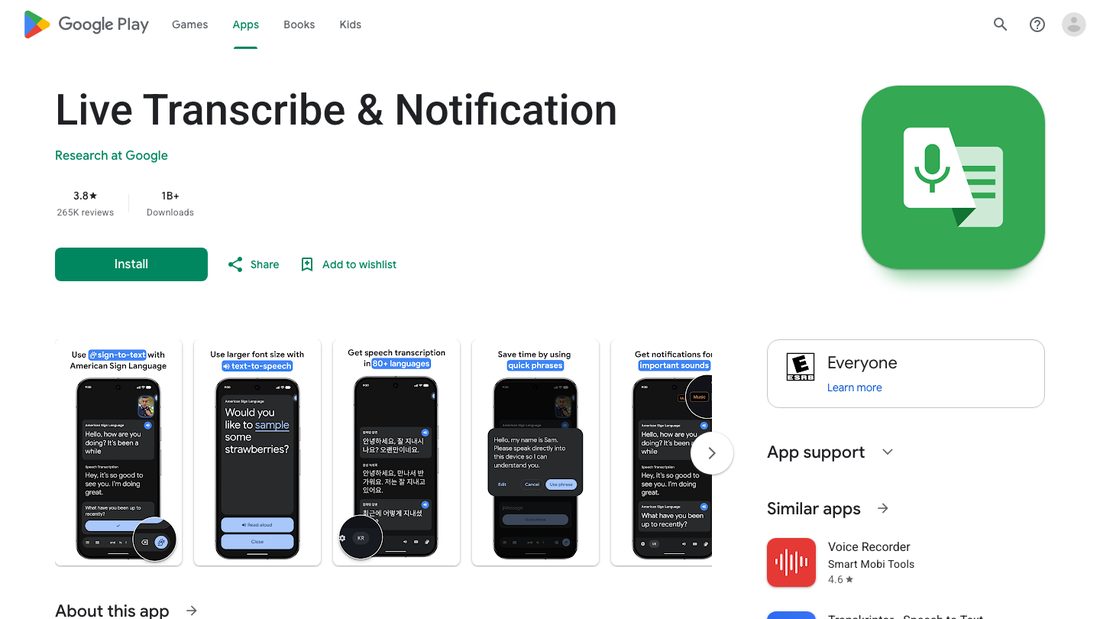
★ Best free conversation supportThe captions already built into Android and iPhone, which turn whatever is being said in the room into text on the screen at no cost.
- CategoryBuilt-in phone feature Not a purchase, and not comparable to the therapy apps above
- Best forSomeone whose comprehension is stronger reading than listening, which is common after a left-hemisphere stroke
- Available onAndroid through the Live Transcribe app, preinstalled on Pixel and some other phones; iPhone 11 and later through Settings, then Accessibility, then Live Captions
- PricingFree on both platforms
Android setup, offline language downloads, and typing-to-reply verified in Google’s Live Transcribe help article; iPhone availability and setup in Apple’s Live Captions guide.
Check out Live TranscribeThis is the cheapest useful thing on the page, and it is usually the fastest win in a hospital room or a noisy clinic hallway.
Live Transcribe also lets the person type a reply that appears on screen, which covers the moment when speech will not come but the thought is fully formed.
Apple limits Live Captions to iPhone 11 and later with the primary language set to English (U.S.) or English (Canada), so check the phone before promising it to anyone.
Live Transcribe and Live Captions Considerations
- Apple states plainly that accuracy may vary and should not be relied upon in high-risk or emergency situations. Treat captions as help, never as a medical record.
- Captions solve understanding, not expression. They do nothing for a person who cannot get words out.
- Offline language support depends on the Android version and the device, so a rural home should test it before relying on it.
MyTherapy
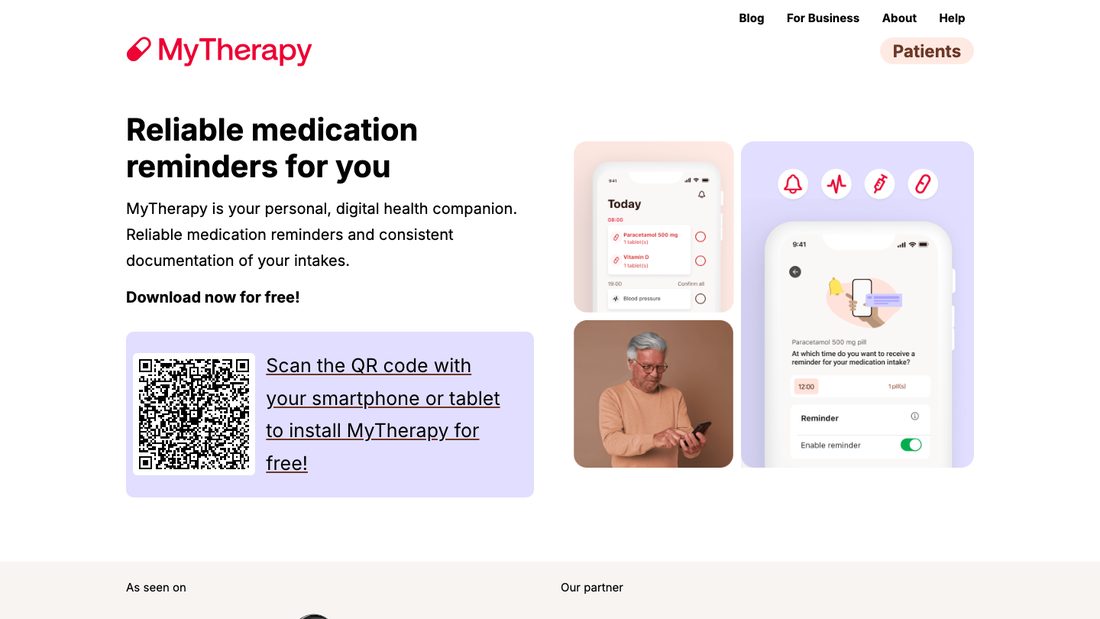
★ Best free medication remindersA free reminder and health-journal app that handles the messy first months after discharge, when doses change faster than anyone updates the fridge list.
- Best forA medication list that keeps changing after a hospital stay
- Available oniPhone, iPad, and Android, with 5 million or more Google Play downloads
- PricingFree with ads; an ad-free subscription starts at $1.99 and MyTherapy Plus is $49.99 for lifetime access
- What it doesDose reminders, refill alerts, injection site tracking, blood pressure and weight logging, a symptom diary, and a monthly report to take to an appointment
Price, in-app purchases, and version 3.280.0 verified on the MyTherapy App Store listing; download count and the August 21, 2026 update date on Google Play.
Check out MyTherapyThe refill alert is the feature that saves a weekend. Stroke medication routines often include a blood thinner or a blood pressure drug where running out is not a minor inconvenience.
Family profiles let one caregiver track a spouse’s routine alongside their own, which matters when both people in a household are managing prescriptions.
If you are comparing more than one option, the Caring Village roundup of medication reminder apps for caregivers covers the alternatives in more depth, including shared-access options.
MyTherapy Considerations
- The free version is ad-supported, which can be distracting for someone with attention changes after a stroke.
- Reminders live on one device. If the phone is in another room, the reminder is in another room.
- It is a personal tracker, so it does not give the wider family a shared view of the current list.
Omron Connect
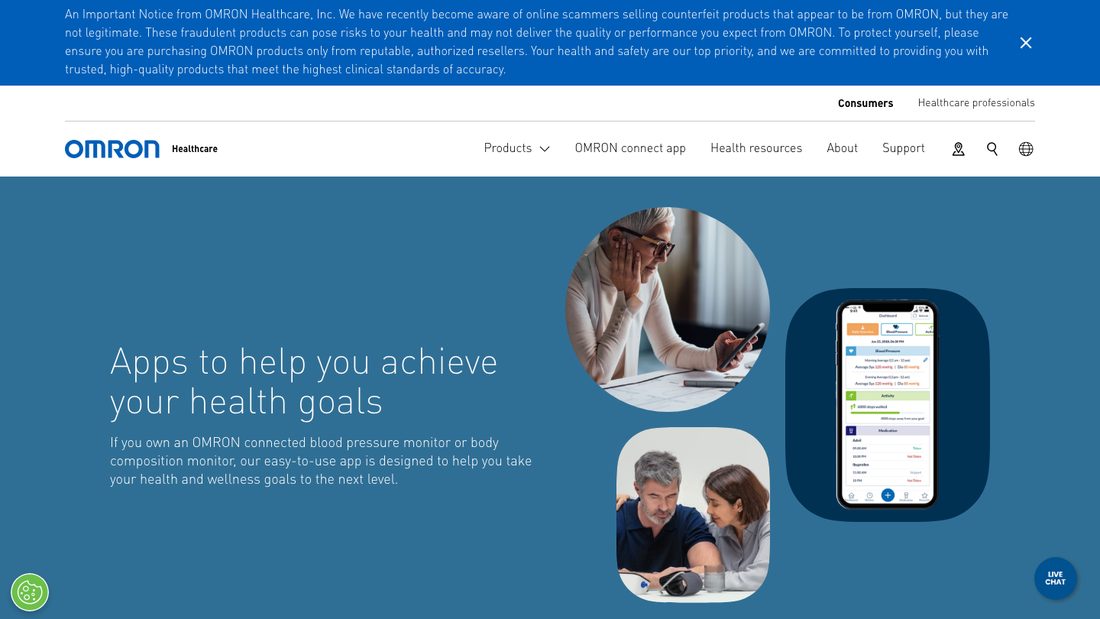
★ Best blood pressure logThe companion app for Omron blood pressure monitors, which moves readings off the cuff and into a log a clinician can actually read.
- CategoryDevice companion Requires a compatible Omron monitor, sold separately
- Best forHouseholds already asked for a home blood pressure log at the follow-up visit
- Available oniPhone, iPad, and Android, and Omron states the app is supported only in the United States and Canada
- PricingFree; optional premium runs $9.99 per month or $98.99 per year for blood pressure, with EKG and combined tiers priced separately
Price tiers, version 2026.07.23, and the 4.7 out of 5 rating verified on the OMRON connect App Store listing; device compatibility and regional support on Omron Healthcare’s app page.
Check out Omron ConnectReadings sync over Bluetooth from compatible Omron blood pressure monitors and select body composition monitors, and can be shared into Apple Health so other apps can read them.
The free tier covers what most families need: take a reading, see the trend, hand the phone to the doctor. Premium adds detailed reports, medication tracking, care team sharing, and historic EKG data.
Omron Connect Considerations
- The app is useless without an Omron connected monitor, so budget for the device, not the download.
- Support is limited to the United States and Canada, and EKG devices are not supported in Canada.
- Interpreting home readings belongs to the clinician. Bring the log to the visit rather than adjusting anything at home.
PhysiApp
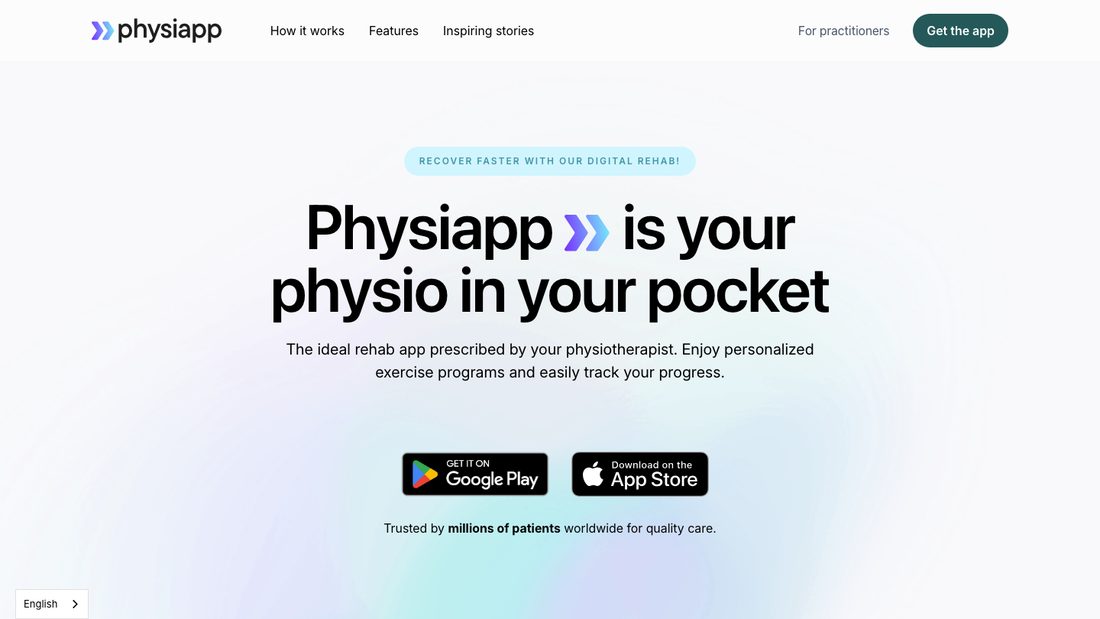
★ Best for a therapist’s own programThe home exercise program the physical or occupational therapist actually prescribed, with video for every movement, delivered by an eight-letter code.
- CategoryClinician-assigned Only works if the clinic uses Physitrack
- Best forReplacing the photocopied exercise sheet that gets lost by week two
- Available oniPhone, Android, any web browser, printed handouts, and Apple Watch
- PricingFree for patients. Physitrack states that patients are never charged directly and that the clinic pays for the subscription
Patient cost verified on Physitrack’s patient-cost support article; access code and platform details on the PhysiApp site.
Check out PhysiAppAsk one question at the next appointment: does this clinic use Physitrack? If the answer is yes, this becomes the highest-value app on the page, because the exercises are already matched to the person.
Video for every movement solves the argument that starts at home about whether the elbow is supposed to be tucked, and the Apple Watch option keeps a set going without holding a phone in a weak hand.
PhysiApp Considerations
- Without a program code from a clinician, there is nothing to open.
- If a code arrives through an intake form rather than the clinic, Physitrack notes that a charge can appear, and it can be cancelled inside the app’s subscription settings.
- The program is only as current as the last therapy visit, so it needs updating when the plan changes.
Dexteria
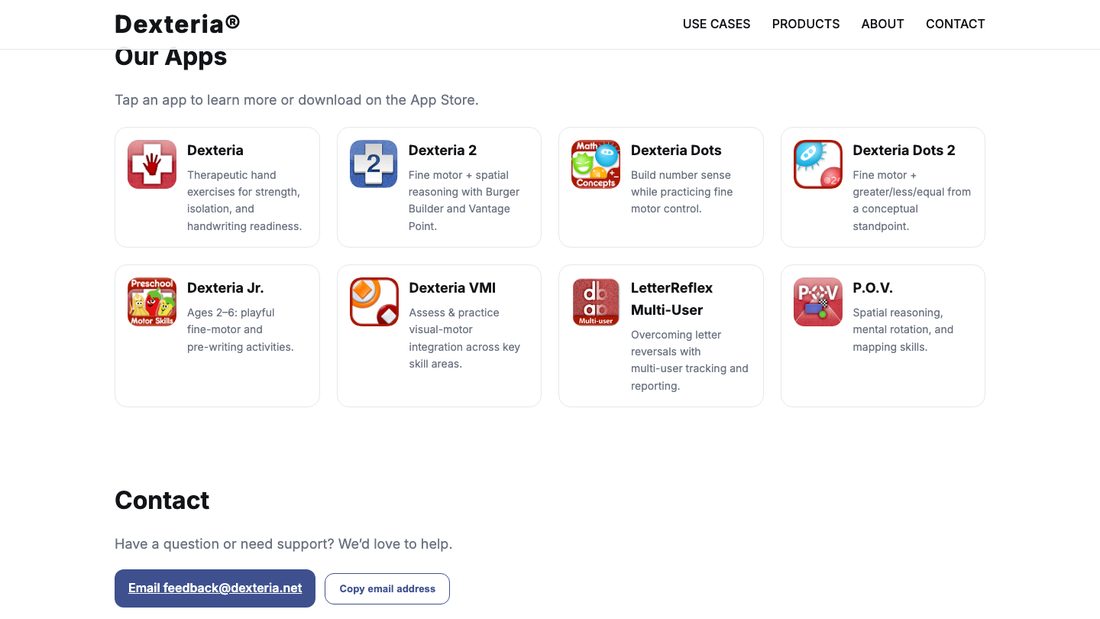
★ Best cheap hand practiceThree simple touchscreen exercises for pinch, tap, and writing control, bought once for less than a takeaway lunch.
- Best forExtra repetitions on the affected hand between therapy sessions
- Available oniPhone and iPad, requiring iOS or iPadOS 15 or later
- Pricing$6.99 one time, with an optional multi-user in-app purchase at $3.99
- What it doesHand strength and coordination exercises with automatic performance tracking and reports that can be emailed
Price, in-app purchase, version 2.0, device requirements, and the developer’s description verified on the Dexteria App Store listing and dexteria.net.
Check out DexteriaBinaryLabs describes Dexteria as widely used by occupational therapists and notes its use in stroke rehabilitation, and the automatic tracking is what makes it worth the $6.99 over a free game.
Ten minutes on a tablet propped at the right angle is easier to repeat than a set of therapy putty that lives in a drawer, and the reports give the OT something concrete at the next visit.
Dexteria Considerations
- Much of the interface and reward language was built for children practising handwriting, which some adults find patronising.
- Its App Store rating is 3.4 out of 5 from 36 ratings, a small sample compared with the other picks here.
- Apple devices only, and it exercises the hand rather than the shoulder or arm.
VA Stroke Recovery
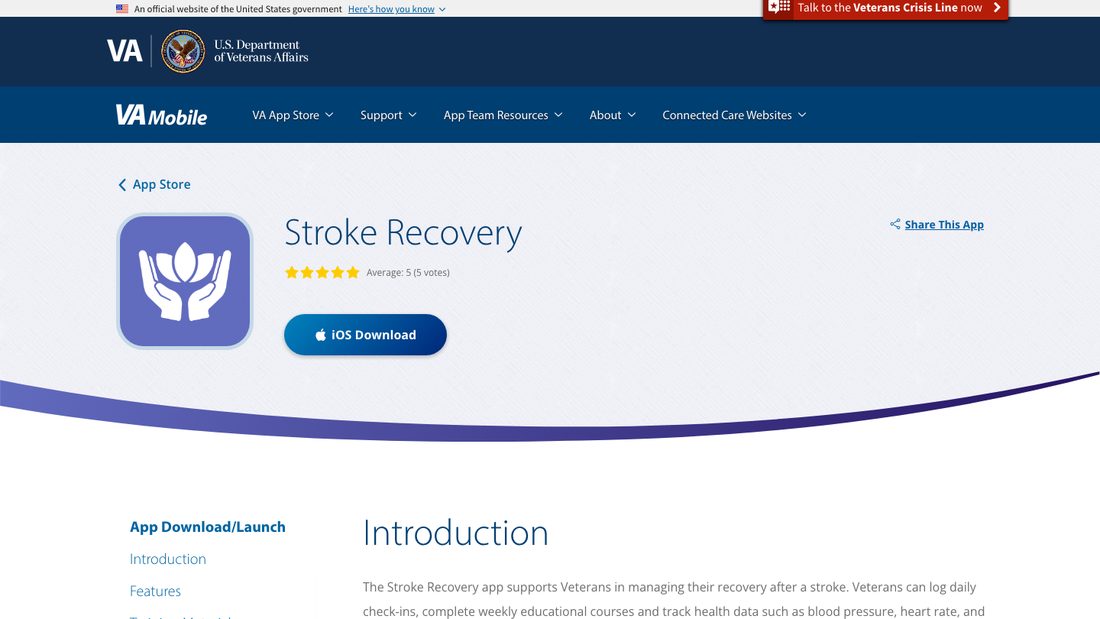
★ Best free companion for veteransA free app from the Department of Veterans Affairs that pairs weekly stroke recovery coursework with daily check-ins, vitals, and appointment tracking.
- CategoryVeteran-focused Built for veterans, though anyone can install it
- Best forVeterans and rural households who want structured education plus tracking in one place
- Available oniPhone, iPad, Mac, and Apple Vision, requiring iOS 18 or later; there is no Android version
- PricingFree, with no in-app purchases and no sign-in described
Features, platform, and local-storage behaviour verified on the VA Mobile Stroke Recovery page; price and version 1.1.1 on the App Store listing.
Check out VA Stroke RecoveryWeekly interactive coursework is the part that separates it from a plain tracker. Blood pressure, heart rate, and blood oxygen can be entered by hand or pulled from Apple Health, and appointments sync to Apple Calendar.
VA states that information entered in the app is stored locally on the device and is not automatically shared with the VA care team, which is worth knowing before anyone assumes a clinician is watching the numbers.
VA Stroke Recovery Considerations
- iOS 18 or later is required, so an older iPhone will not run it.
- Its App Store rating is based on a very small number of ratings, so treat the score as unformed rather than good or bad.
- Because data stays on the device, losing or replacing the phone can mean losing the log.
What to Skip or Use With Caution
Four Things Worth Knowing Before You Download Anything Else
- Do not use an app to decide whether symptoms are a stroke. Follow the B.E. F.A.S.T. warning above and call 911 immediately if any one sign appears.
- The American Stroke Association’s Heart and Stroke Helper app is gone. It was discontinued effective June 30, 2026, and all user access was terminated, so older stroke app lists that still recommend it are out of date.
- General brain-training games are not stroke rehabilitation. They may be enjoyable, but they are not built around a diagnosed deficit. The Caring Village guide to brain training apps for adults explains where that category genuinely fits.
- Be careful with recovery promises. Constant Therapy Health, for example, states on its own site that it does not guarantee improvements in brain function. Any app claiming a specific recovery outcome deserves the same scepticism.
A Realistic First Month With These Apps
Four steps, in the order that wastes the least money and the least energy.
- Add one app, not five. Pick the single domain that is hardest right now and give it two weeks before adding anything else. Downloading six apps in one evening reliably ends with none of them used.
- Bring the shortlist to the next therapy visit. Ask the speech, physical, or occupational therapist which one fits the current goals, and whether the clinic already assigns programs through PhysiApp.
- Name an owner for every account. Write down who holds the login for each app, plus a backup, so a subscription does not lapse and a password does not disappear with one person’s phone.
- Put the schedule and the medication list somewhere shared. This is the piece that usually breaks, and it is the reason a family caregiving plan is worth writing down. It matters even more when coordinating care from a distance, because a missed dose or a moved appointment can otherwise go unnoticed for days.
Frequently Asked Questions
Are there free speech therapy apps for stroke patients?
Yes. Lingraphica’s SmallTalk apps are free on iPhone and iPad and cover daily communication plus video speech exercises. Most Tactus Therapy apps ship a free Lite version, and Constant Therapy gives two weeks free before its $29.99 monthly plan starts. A family can spend nothing for the first two weeks and still learn what helps.
What is the best iPad app for adult aphasia?
For communication, TD Snap is usually the better start, because its Aphasia page set is built for adults and the download is free before the $9.99 monthly speech subscription begins. Proloquo2Go is the stronger long-term buy at $249.99 once, though its vocabulary usually needs rebuilding with a speech-language pathologist. For therapy rather than communication, look at Constant Therapy or the Tactus aphasia apps.
Do we need an AAC app, or will captions help?
They solve opposite problems. Captions help when understanding other people is the difficulty, and both Android and iPhone provide them free, while an AAC app helps when the person understands fine but cannot get words out. A speech-language pathologist can tell you quickly which side of the conversation is the bottleneck.
Can apps replace speech or physical therapy after a stroke?
No. Apps add repetitions between sessions, and repetition matters, but the American Stroke Association is clear that therapists recommend tools based on personalized goals. Constant Therapy Health says the same about its own product, stating that it does not provide rehabilitation services. Use these apps as homework, not as the therapy plan.
The Bottom Line
Start from the deficit, not the app store. Constant Therapy is the strongest single pick for structured daily practice, and its two-week trial answers the adherence question before any money moves.
Tactus Therapy is the better fit when a subscription is not realistic, TD Snap is the practical AAC starting point for an adult with aphasia, and the captions already on the phone are the fastest free win in the first week.
Then solve the coordination job. Caring Village keeps therapy appointments, medication changes, documents, and home-practice notes in one shared place, so the person covering Thursday afternoon is working from the same information as everyone else.
Keep Therapy, Medications, and Home Practice in One Shared Place
Caring Village holds the appointment times, the current medication list, the therapist’s notes, and the practice log where every helper can read them. The Free plan covers one village with two members.
- Shared therapy calendar and rides
- Medication list the whole village can check
- Documents and family updates together
“This has been a game changer for my life. I have been balancing care for elderly in-laws and my special needs child. This app helps keep me organized and helps keep everyone invested.”
App Store reviewer
This guide is general educational information and is not medical advice. Nothing here diagnoses a condition, recommends a treatment, or replaces an assessment. Talk to the physician, speech-language pathologist, physical therapist, or occupational therapist who knows the case before starting, stopping, or changing any part of a recovery plan. Call 911 for sudden loss of balance, vision changes, face drooping, arm weakness, or speech difficulty. Note when symptoms started, do not drive, and call even if symptoms improve or disappear.
Sources
- American Stroke Association, Technology and Life Post Stroke and Heart and Stroke Helper app discontinuation notice
- CDC Stroke Facts
- National Institute on Deafness and Other Communication Disorders, Aphasia
- Constant Therapy patient pricing and Constant Therapy for patients
- Tactus Therapy app catalogue and pricing
- Lingraphica SmallTalk apps and the SmallTalk Aphasia Female App Store listing
- Proloquo2Go App Store listing and the AssistiveWare product page
- TD Snap App Store listing and the Tobii Dynavox TD Snap page
- Google Live Transcribe help and Apple Live Captions guide
- MyTherapy App Store listing and MyTherapy on Google Play
- OMRON connect App Store listing and Omron Healthcare’s app page
- Physitrack patient cost and PhysiApp
- Dexteria App Store listing and dexteria.net
- VA Mobile Stroke Recovery and the Stroke Recovery App Store listing
- Caring Village plans and pricing