

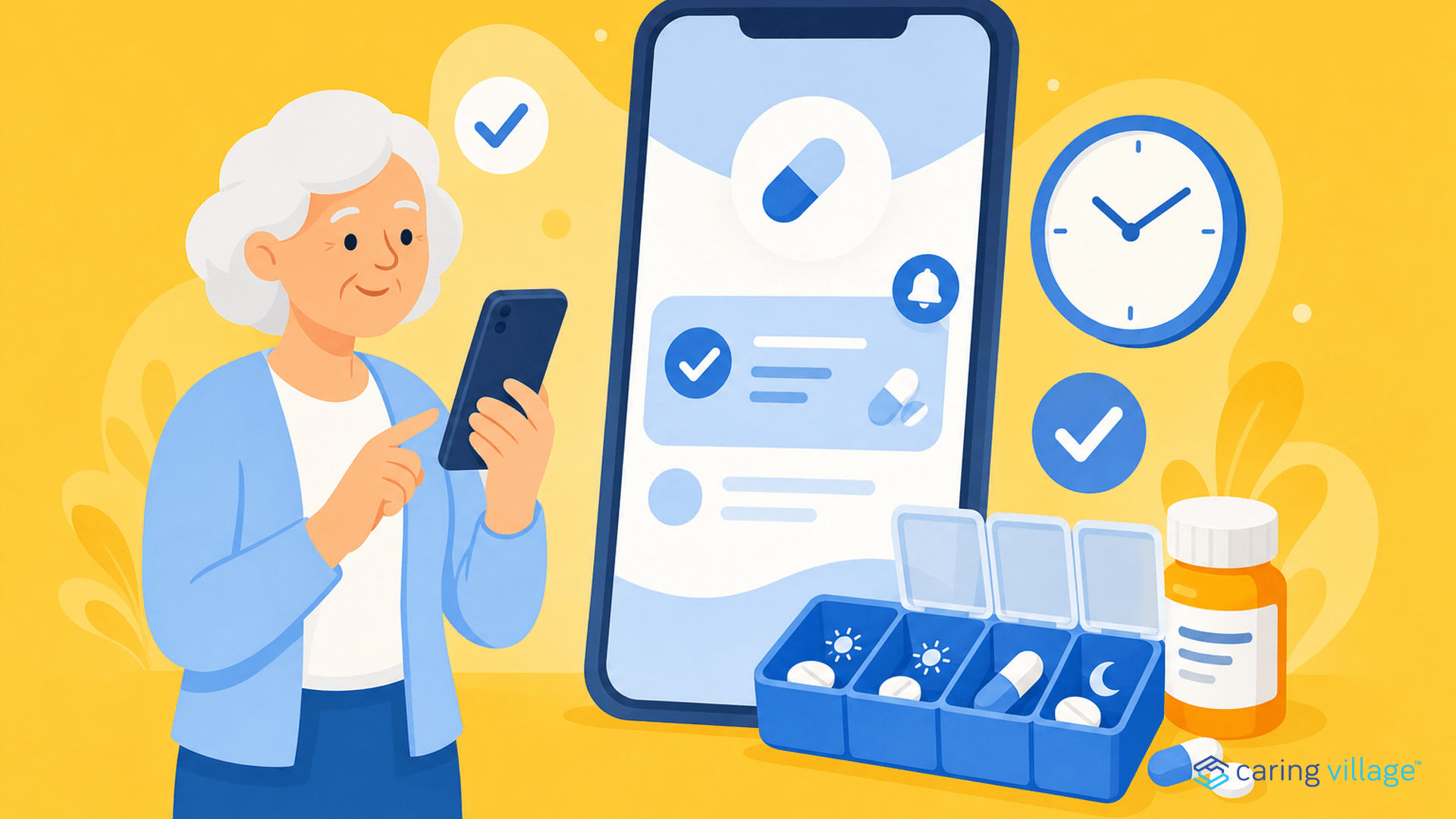

If you need more than medication reminders, compare full-family coordination tools in our guide to the best caregiver apps for families. If you need records, caregiver visibility, symptoms, and refills as well as alarms, compare broader medication management apps.
TL;DR – Best Medication Reminder Apps at a Glance
| Tool | Best For | Top Safety/Medication Feature | Caregiver Sync | Price |
|---|---|---|---|---|
| Caring Village | Complex Family Care | AI Assistant (Julia) + Photo-based lists | High (plan-based team sharing) | Free plan available; paid from $14.99/mo. |
| Medisafe | Medication adherence | Reminders, missed-dose alerts, and adherence nudges | High (Medfriend missed-dose alerts) | Free consumer app; Premium listed at $4.99/mo.; enterprise programs separate |
| CareZone/Walmart Wellness | Legacy status note | Not recommended as a current medication reminder app | N/A | Retired; choose a current alternative |
| Jointly | Collaborative Teams | Real-time care-circle updates | High (Team Messaging) | £2.99 in the UK, roughly $4 USD before exchange-rate/app-store differences |
| Tendercare | Professional Guidance | Medication and care information summaries | Moderate (Family Share) | Free |
| DoseCast | Frequent Travelers | Auto Time-Zone Adjustment | Moderate (CloudSync) | Free plan; Plus plan available |
| Pillboxie | Visual Learners | Visual “Pill Dropping” Interface | Low (Offline-first) | $1.99 (One-time) |
| Syncara | Secure Records | End-to-End Encrypted Health Profiles | Moderate (Shared Access) | Free plan; Plus plan available |
| ianacare | Navigator Support | Professional guidance where available | Moderate (Task Coordination) | Free plan; Plus plan available |
| Carely | Professional Bridges | Professional care visit reports | High (Agency-to-Family) | Free |
| MyMeds | Multi-Device Access | Web-to-Mobile Cross-Platform Sync | High (care-circle sharing) | Free |
| MyTherapy | Holistic Health | Integrated Health Journal + PDF Reports | Moderate (Team Sharing) | Free |
| AxisCare | Home care agencies | Professional medication administration records where agency workflows require them | Agency software, not a family caregiving app | Custom pricing |
1. Caring Village – The #1 Comprehensive Caregiving Platform with Smart Medication Management
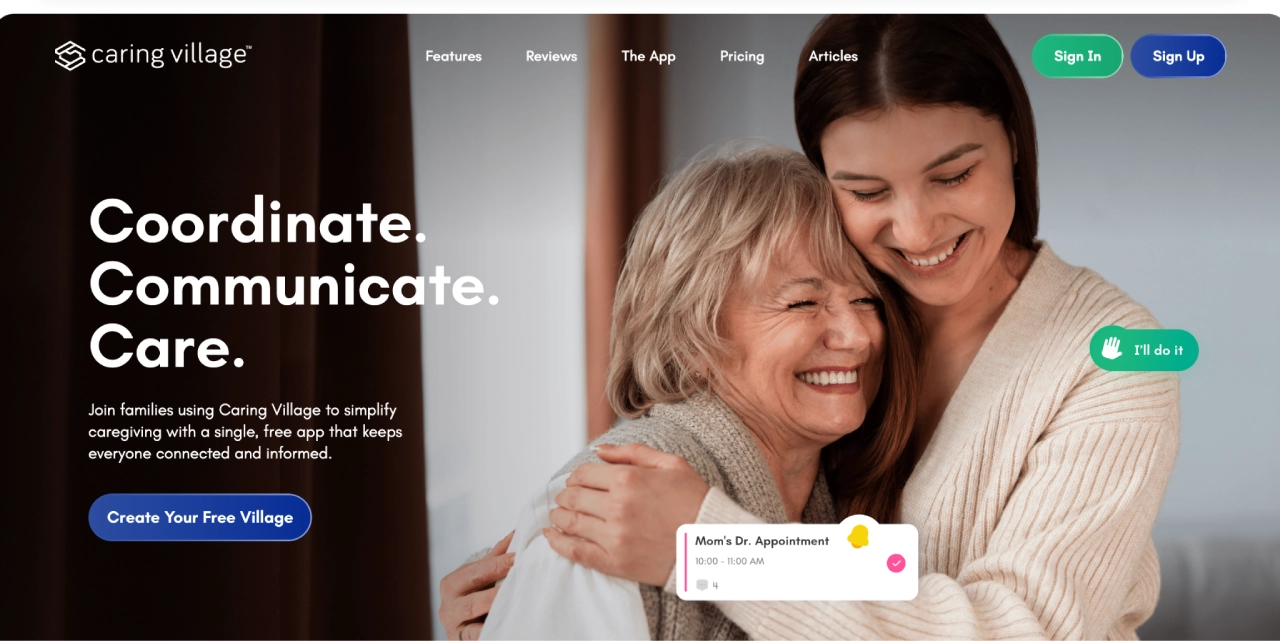
Caring Village stands out as more than just a medication reminder app—it’s a complete caregiving ecosystem that happens to excel at medication management.
What makes it special is how it combines medication tracking with broader care coordination, making it ideal for families managing complex care situations.
Key Features:
- Smart medication lists with photos – Visual medication tracking with refill monitoring that integrates with overall care plans
- AI assistant Julia – Helps answer caregiving questions, think through next steps, and organize care decisions. Julia is available 24/7, but it is not a medical, legal, or crisis service
- Family collaboration – Care team members can coordinate medication management, with sharing limits based on the plan selected
- Wellness journaling – Track symptoms and medication effects to identify patterns and share with healthcare providers
- Secure document storage – Keep prescription information, insurance cards, and medical records in one encrypted location
Plans available:
| Plan | Price | What’s Included |
|---|---|---|
| Free | $0 | 1 village, up to 2 members, basic to-dos, shared calendar, messaging, external calendar integration, customizable care plans, document folders, and wellness journal export. |
| Circle | $14.99/mo | Up to 2 villages with 5 members each, plus ad-free experience, printable care calendar, enhanced sharing, and customizable document folders. |
| Village | $24.99/mo | Up to 5 villages with 50 members each, everything in Circle, and increased file and data storage. |
Caring Village: More Than Just a Medication Reminder
Beyond medication management, Caring Village is designed to be your complete caregiving command center. Beyond tracking doses, you can coordinate appointments, manage daily tasks, securely store documents, and monitor health trends.
Plus, Julia can help answer caregiving questions, think through next steps, and organize care decisions while your shared calendar, tasks, and medication lists keep the team aligned.
“[Caring Village] has been a life saver! I don’t know where we would be without it! My Mom’s care has been changing a lot lately and we have been able to communicate the changes in real time.“
— Kate Flanagan
2. Medisafe – Medication Engagement and Adherence Platform
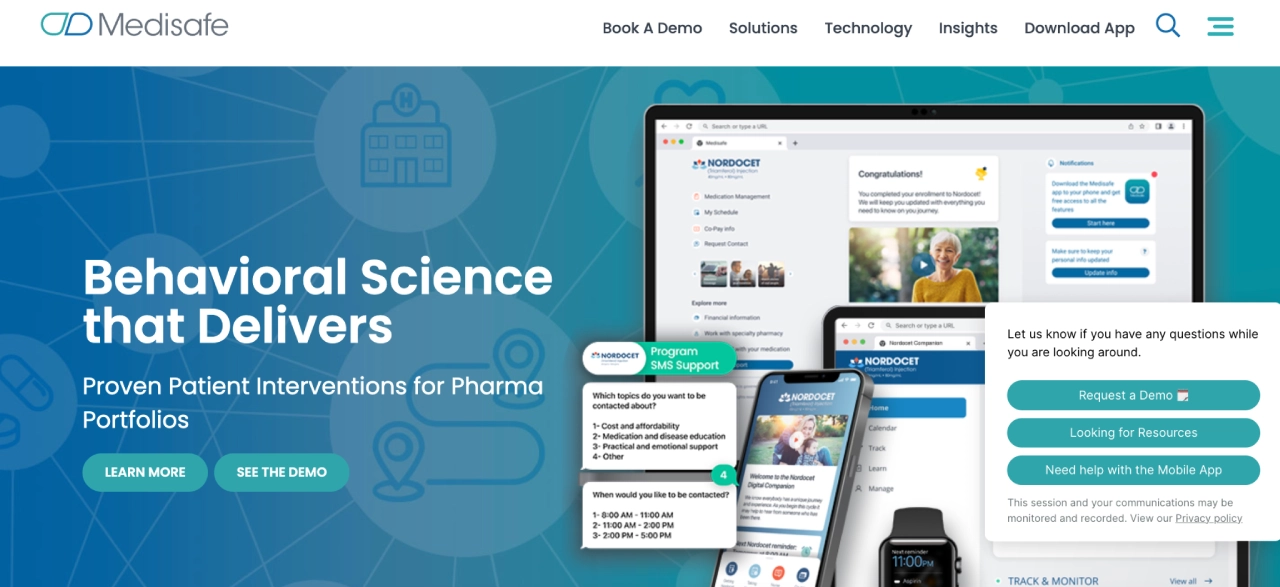
Medisafe is a medication-focused app built for adherence, reminders, and caregiver alerts. It is best used as a specialist medication tool, especially for high-risk regimens where missed doses create daily stress.
Medfriend explained: Medisafe lets you invite a caregiver or loved one as a Medfriend. If a dose is missed, that person can receive an alert and check in.
Key Features:
- Persistent reminders and missed-dose alerts – Reminder nudges can help families catch missed doses sooner, and caregiver alerts can notify a chosen Medfriend when follow-up is needed
- Behavioral science integration – Uses comprehensive data analysis to optimize adherence based on individual behavior patterns
- Care team connectivity – Connects patients with support teams through bidirectional communication channels
- Real-world data insights – Provides detailed adherence reports and medication behavior analytics for healthcare providers
- Voice Intelligent Agent (VIA) – Breakthrough voice technology for specialty medication support and patient engagement
| Pricing | Medisafe has a free consumer app, with Premium listed at $4.99/month in the App Store. Enterprise offerings are separate from the consumer app. |
|---|
Considerations before going with Medisafe: Medisafe is medication-first, so it will not replace a broader care coordination hub for calendars, documents, tasks, and family communication.
3. CareZone/Walmart Wellness – Legacy Status Note
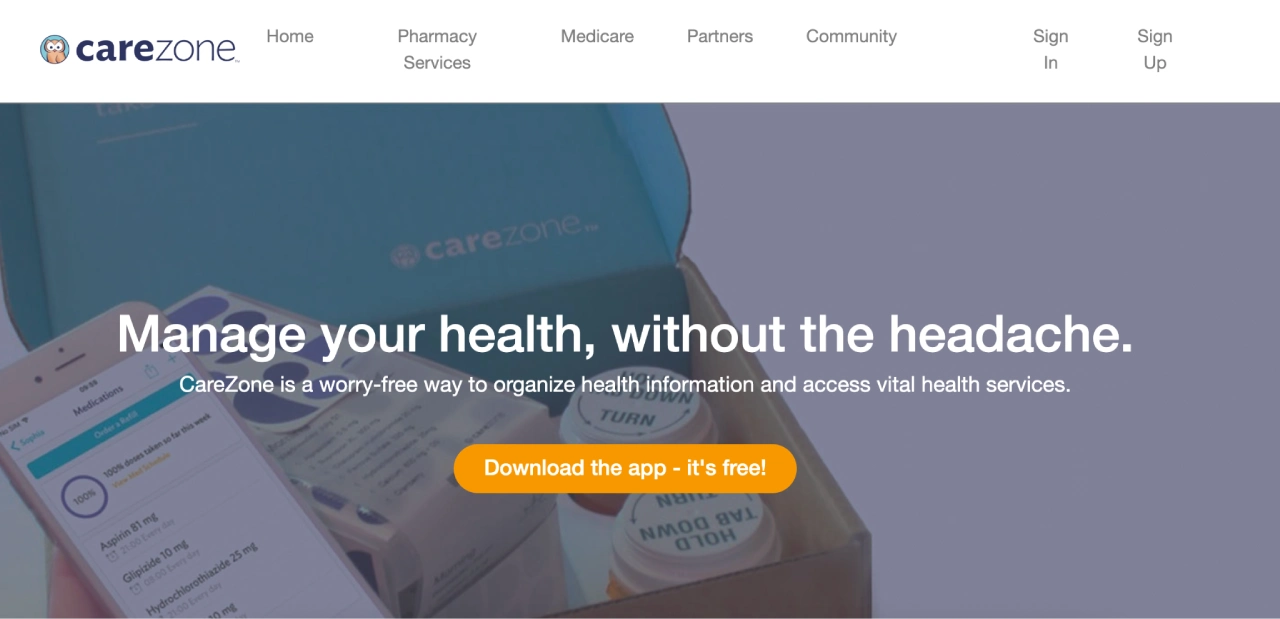
CareZone/Walmart Wellness is no longer recommended as a current medication reminder app. Walmart says the Wellness app retired on January 31, 2023, and CareZone accounts that were not migrated were deactivated. Families should choose a currently maintained medication reminder app instead.
Key Features:
- Pill bottle scanning – Instantly create detailed medication lists by scanning prescription bottles for yourself or family members
- Pharmacy Assistance – Publicly described pharmacy-support features that should be verified for current availability and coverage
- Insurance assistance – Publicly described insurance-support features that should be verified before use
- Multiple profiles – Manage medications for yourself and loved ones with shared caregiver access
- Location-based services – Find prescribing physicians and pharmacy information based on your current location
| Pricing | Retired/legacy status. Choose a currently maintained alternative. |
|---|
Considerations: Do not choose CareZone/Walmart Wellness as a current medication reminder app without verifying direct availability from Walmart. Use this section as historical context, not a recommendation.
4. Jointly – Collaborative Caregiving with Shared Medication Management

Jointly is a UK-based caregiving tool that supports collaborative medication management, allowing multiple caregivers to coordinate medication schedules and track administration together.
Key Features:
- Care circle collaboration – Multiple caregivers can manage medications together with real-time updates and notifications
- Medication image uploads – Visual medication recognition and tracking with photo documentation for easier identification
- Integrated messaging – Group messaging functionality keeps all caregivers informed about medication changes and concerns
- Device integration – Connects with health and care devices to share medication-related health updates
- Permission controls – Administrators can control who can edit medication lists and access private notes
| Pricing | Requires a one-time £2.99 payment to create a care circle and access to all features. |
|---|
Considerations: Jointly is developed by Carers UK. It costs £2.99 to create a care circle in the UK, roughly $4 USD before exchange-rate and app-store differences; U.S. families should confirm local availability and pricing.
5. Tendercare – Smart Eldercare with AI-Powered Medication Guidance
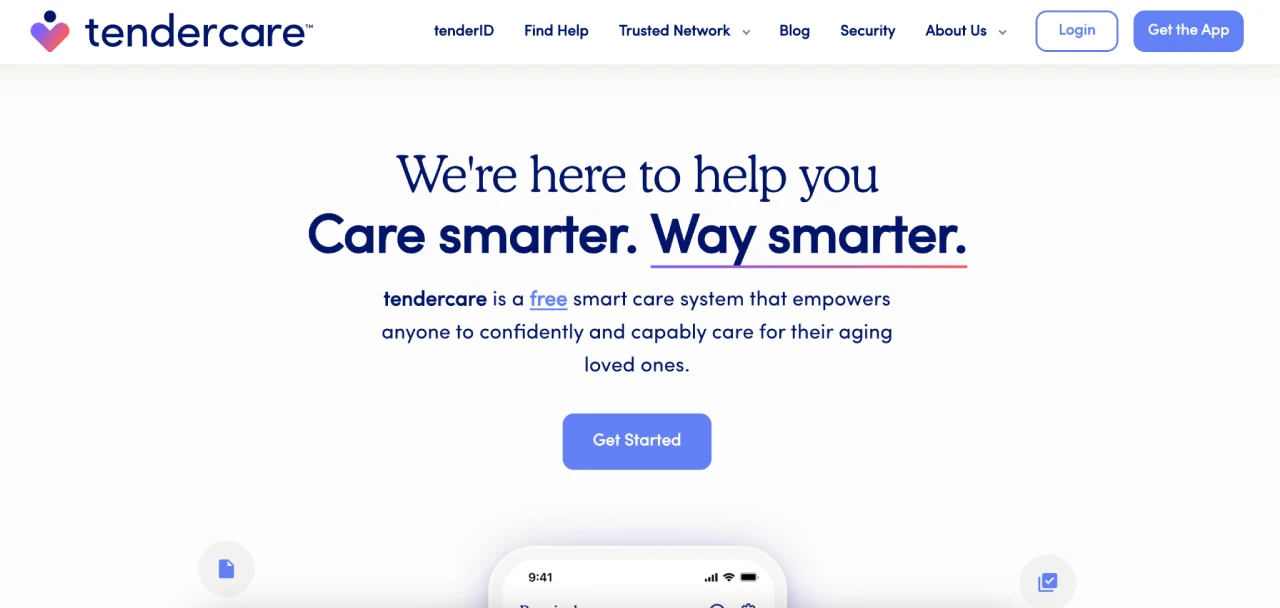
Tendercare is a professional-support tool that can help families organize information and explore vetted eldercare providers. For medication reminders specifically, treat it as a secondary support option rather than the primary medication adherence app.
Key Features:
- Medication and care information summaries – Organizes medication information and related care details in one secure place
- Guided provider matching – Helps families explore vetted local support options where coverage is available; confirm response times directly with Tendercare
- Trusted Network directory – Access to vetted healthcare professionals in supported markets; confirm current service categories and medication-consultation coverage directly with Tendercare
- Emergency preparedness – Medication information integrated into comprehensive emergency planning and quick access features
- Family coordination – Shared access for siblings and family members to coordinate medication management
| Pricing | Free for families to use, with provider coverage and availability varying by market. |
|---|
Considerations: Provider coverage varies by market. Tendercare should be treated as professional-support/provider matching, not a primary medication-adherence app, and its general guidance is not medical advice.
6. DoseCast — Flexible Medication Scheduling for Travelers

While other apps might nag you at the wrong time, DoseCast is designed to adapt to your life. It is widely considered one of the best for those who don’t have a rigid 9-to-5 routine, offering a level of flexibility that prevents “alarm fatigue.”
DoseCast excels in its ability to handle complex schedules and changing time zones, making it the premier choice for active seniors or family members who travel frequently.
Key Features:
- Smart Time-Zone Syncing: Automatically adjusts medication reminders as you travel, ensuring doses remain at the correct intervals without manual math.
- Flexible Scheduling: Supports daily, weekly, or monthly schedules, and even “interval” reminders (e.g., take every 5 hours) starting from the last dose taken.
- Maximum Daily Limits: Allows you to set a maximum number of doses per day to prevent dangerous accidental overdoses of “as-needed” (PRN) medications.
- Multi-Device CloudSync: (Pro Version) Keeps drug data and adherence history in sync across an unlimited number of Apple, Android, and Amazon devices simultaneously.
- Smart Silencing: Prevents unwanted alarms by tracking your bedtime and silencing notifications while you sleep.
| Pricing | Free version available; Pro Edition with CloudSync is $2.99/mo or $27.99/year. |
|---|
Considerations: Cloud Sync and multi-device support require a Pro subscription. Confirm current App Store pricing, renewal terms, and maintenance status before choosing it.
7. Pillboxie — Visual & Intuitive Medication Management
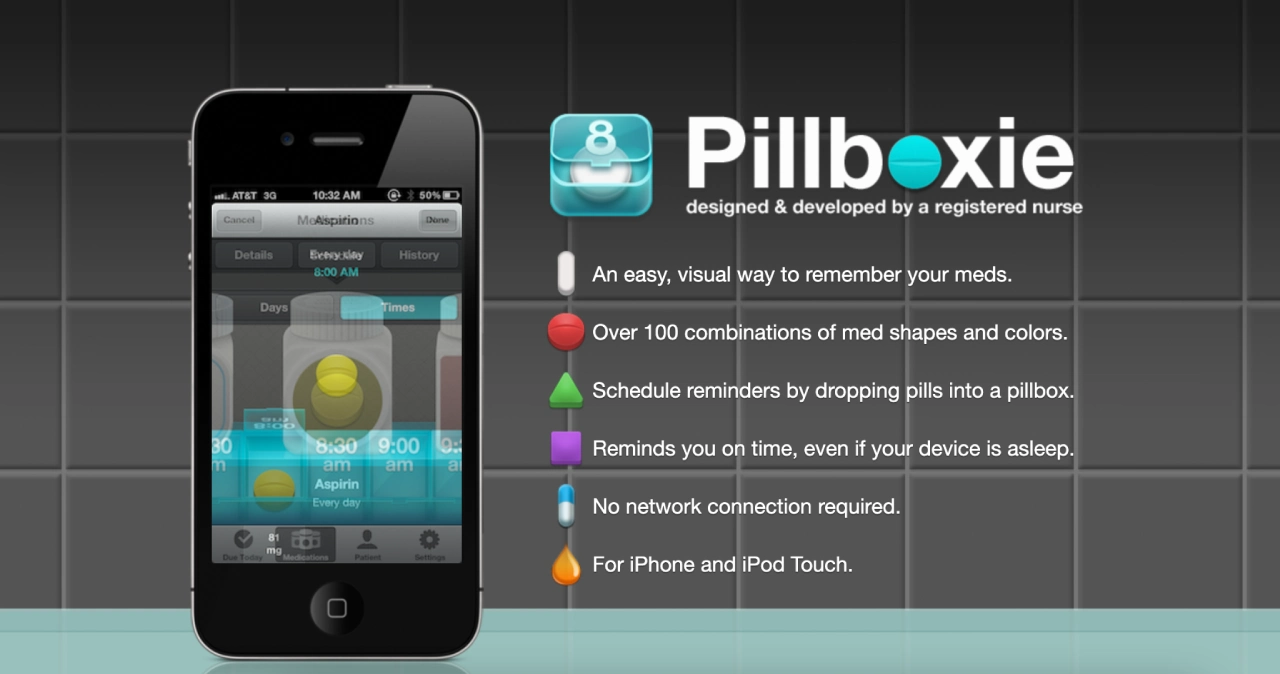
Pillboxie is a visual medication app for people who find traditional spreadsheets or lists overwhelming. It prioritizes clarity over complex data, making it feel closer to a digital version of a physical pillbox.
Key Features:
- Visual Pill Management: Schedule reminders by physically “dropping” digital pills into a virtual pillbox, mimicking real-world behavior.
- High Customization: Offers over 100 combinations of pill shapes and colors, making it easy to distinguish between similar-looking medications.
- Offline Reliability: Does not require an internet connection to function; reminders will trigger even if the device is in sleep mode or offline.
- Chronological History: Includes an “Older” button that allows you to look back at every dose ever taken, missed, or skipped.
- Check-off Lists: A simple “Due Today” list lets you check off medications as you go, providing a clear sense of progress throughout the day.
| Pricing | One-time purchase of $1.99; no recurring subscription fees. |
|---|
Considerations: Currently limited to iOS devices (iPhone/iPad). The App Store listing still exists, but its version history shows an older last-listed update, so confirm current availability and maintenance status before relying on it for medication routines.
8. Syncara – Secure Health Record Management with Medication Tracking
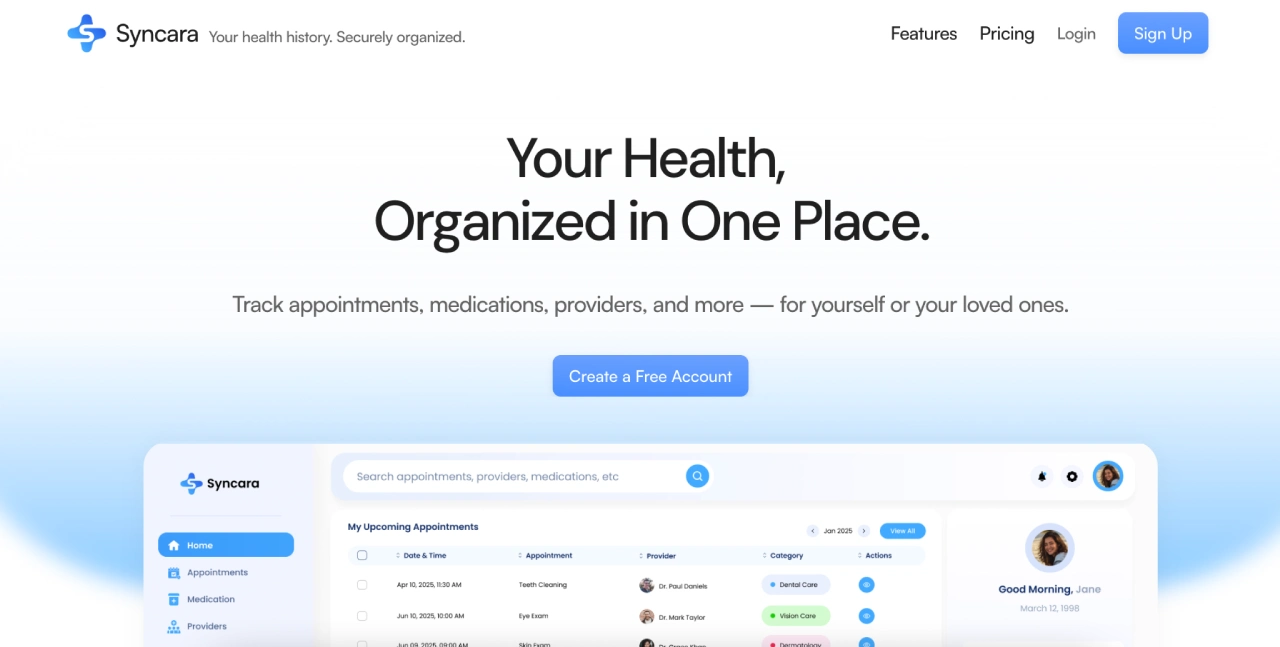
Syncara positions itself as a comprehensive health record management platform that includes robust medication tracking as part of its broader healthcare organization mission.
Key Features:
- End-to-end encryption – Security-focused storage for all health data including medication information and prescription details
- Google Calendar integration – Seamlessly sync medication schedules and medical appointments with your existing calendar system
- Multiple health profiles – Manage medication information for entire families under one secure account
- Provider directory integration – Store detailed information about prescribing physicians and track medication sources
- Personalized health insights – Beta feature providing medication management recommendations based on your health data
| Pricing | Canada-focused pricing. Free for personal health tracking; Premium is listed at $49.99 CAD/year, roughly $36 USD before exchange-rate changes, and unlocks additional profiles and shared family access. U.S. families should confirm current access and local pricing. |
|---|
Considerations: Currently in beta with some features still under development. Premium is listed at $49.99 CAD/year, availability is region-limited, and U.S. families should confirm local access before relying on it.
9. ianacare – Family Caregiver Support with Professional Navigation
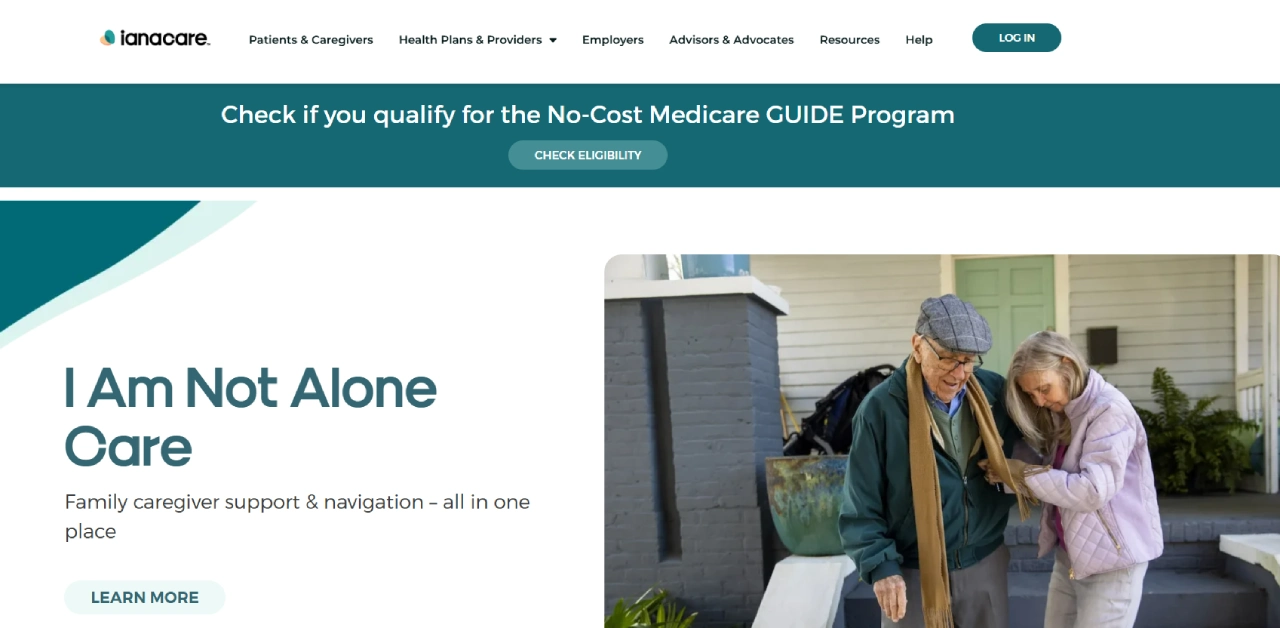
ianacare focuses on supporting family caregivers with professional navigation services, including comprehensive medication management tools and expert guidance.
Key Features:
- Professional navigator support – Social work and nursing staff provide personalized medication adherence guidance and care plan development
- CMS GUIDE compliance – Specialized medication management tools for dementia patients qualifying for Medicare’s GUIDE Model
- 24/7 helpline access – Round-the-clock support for medication-related questions and care coordination needs
- Local resource directory – ZIP code-based search for medication-related services including pharmacies and care facilities
- Caregiver education – Live events and educational content focused on medication management and adherence strategies
| Pricing | ianacare offers a free core app, with premium “PLUS” features often provided at no cost through participating employers or health plans. |
|---|
Considerations before going with ianacare: PLUS services availability varies by employer or provider sponsorship. The platform doesn’t provide clinical medication management or replace licensed medical providers.
10. Carely – Care Coordination with Professional Caregiver Integration
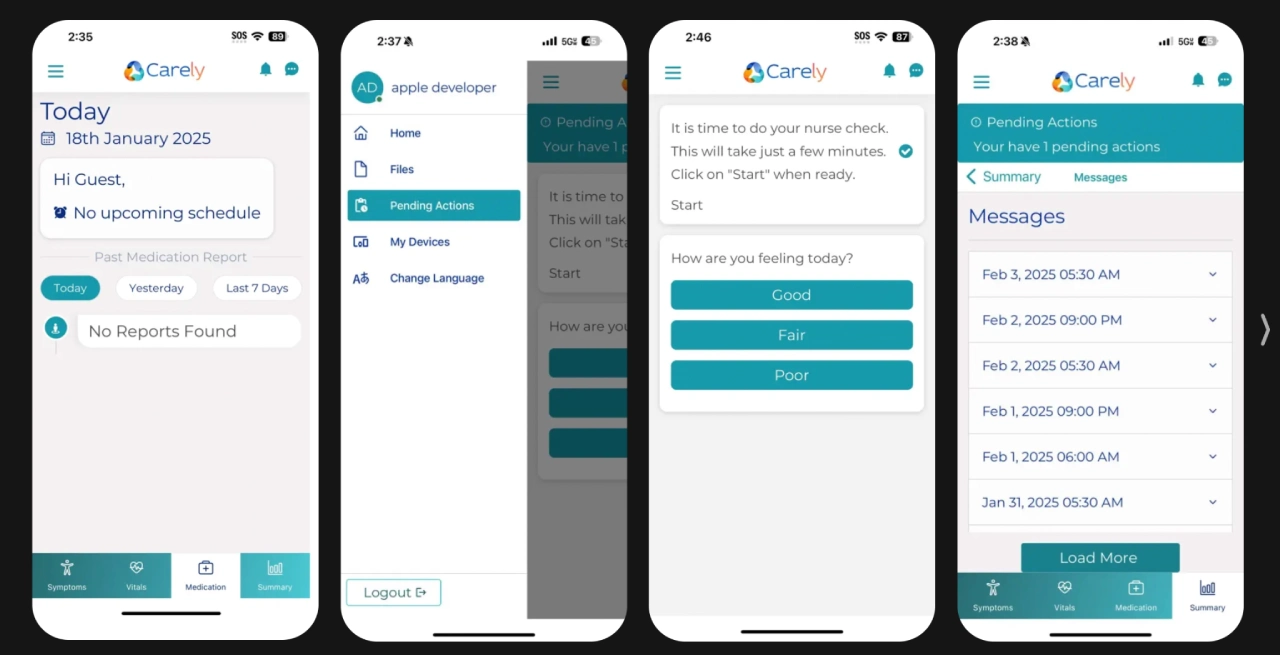
Carely bridges personal and professional caregiving with medication monitoring features and nurse command center support in select markets.
Key Features:
- Professional caregiver integration – Nursing homes and professional caregivers can share medication updates directly with families
- Visit reporting with medication notes – Caregivers document medication administration and effects during visits for family transparency
- Post-discharge medication monitoring – Specialized features for medication tracking during recovery periods with daily health updates
- HIPAA-compliant security – Secure environment for sharing sensitive medication information between family and professional caregivers
- Medication reminder notifications – Alerts when medications aren’t taken on time (availability varies by version)
| Pricing | Free core app; confirm provider or market-specific features before relying on medication monitoring. |
|---|
Considerations: Medication monitoring features are only available in specific app versions and markets. No explicit emergency response system for medication-related issues.
11. MyMeds — Multi-Device Access with Personal Care Circles
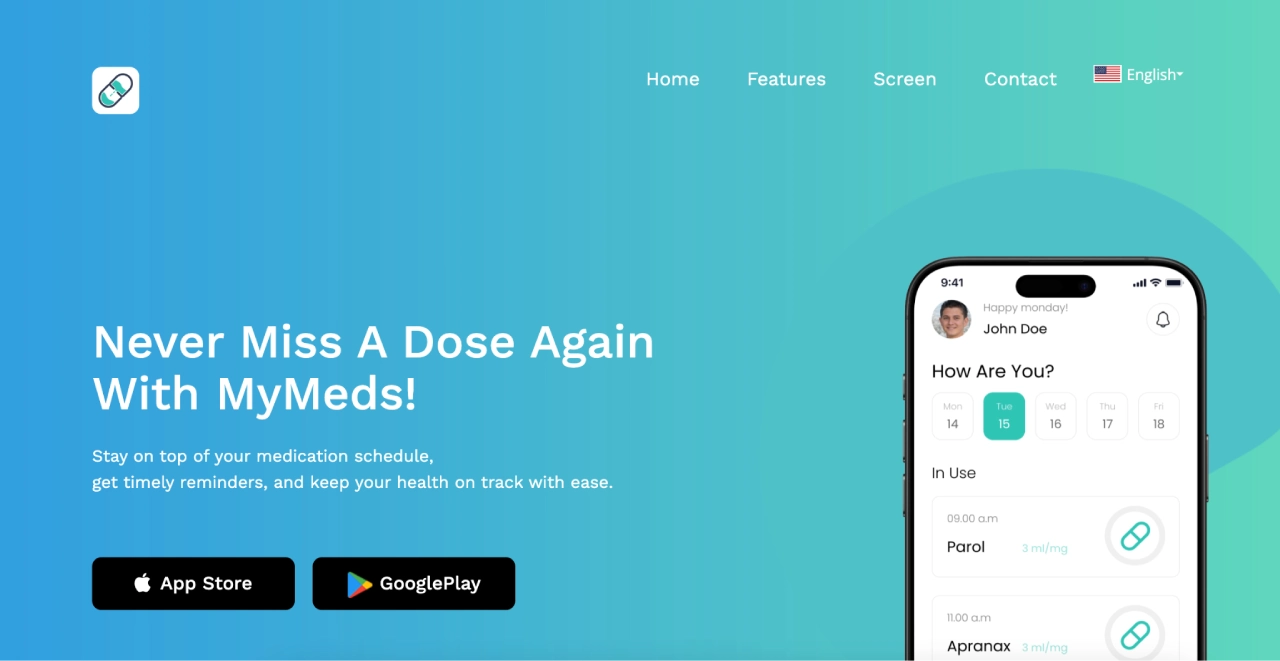
MyMeds understands that managing 10+ medications is often easier on a device. Its care-circle sharing philosophy ensures that a user is never managing their health in a vacuum, making it a top choice for families who want to be supportive without being intrusive.
Key Features:
- Cross-Platform Sync: One of the few apps that allows you to add medications via a web browser (easier for typing long names) and sync them instantly to the mobile app.
- care-circle sharing Sharing: Securely connects your healthcare team and family members, keeping everyone in sync on current medications and adherence.
- Side Effect Information: Provides built-in education about your specific medications, including why you’re taking them and what side effects to watch for.
- Refill Reminders: Sends automated alerts for refills via text, email, or push notification based on your specific preference.
- FaceID/Biometric Support: Adds an extra layer of HIPAA-aligned security to protect sensitive medical information on shared devices.
| Pricing | Free for individual users; custom pricing available for enterprise/clinic partners. |
|---|
Considerations before going with MyMeds: Some users find the interface slightly less intuitive when adding multiple medications at once. Future-dated medications may trigger reminders earlier than intended.
12. MyTherapy — Holistic Health Diary & Adherence Tracker
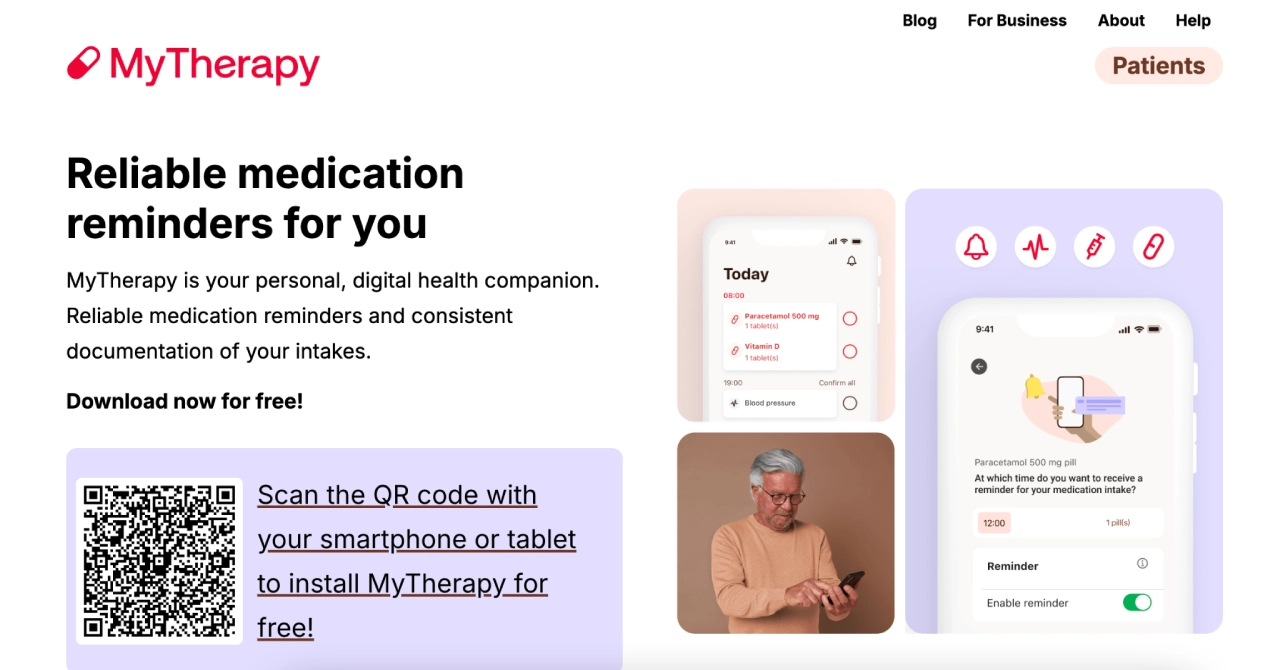
MyTherapy is a standout because it transforms a simple “to-do list” into a powerful tracking tool. It is widely considered one of the best because it doesn’t just remind you to take a pill—it helps you visualize why that pill matters by overlaying your adherence with your symptoms and vitals.
Key Features:
- Integrated Health Journal: Track blood pressure, blood sugar, and weight alongside 20+ other measurements to see how your meds affect your body.
- Barcode Scanning: Quickly log medications by scanning the barcode on the packaging, reducing data entry errors.
- Monthly PDF Reports: Automatically generates professional health reports that can be printed or emailed directly to your doctor for appointments.
- Streaks & Rewards: Uses gamification (Streaks) to help users build long-term healthy habits and stay motivated with their treatment.
- Injection Site Tracking: A specialized feature for those on injection therapies (like Insulin or MS meds) to help rotate sites and avoid tissue damage.
| Pricing | Free (ad-free) for users; the team is supported by partnerships with healthcare research institutions. |
|---|
Considerations before going with MyTherapy: The app can be tedious to set up initially if you have a long list of medications. The database is extensive but may occasionally require manual entry for rare medications.
13. AxisCare – Enterprise-Grade Medication Administration for Care Agencies
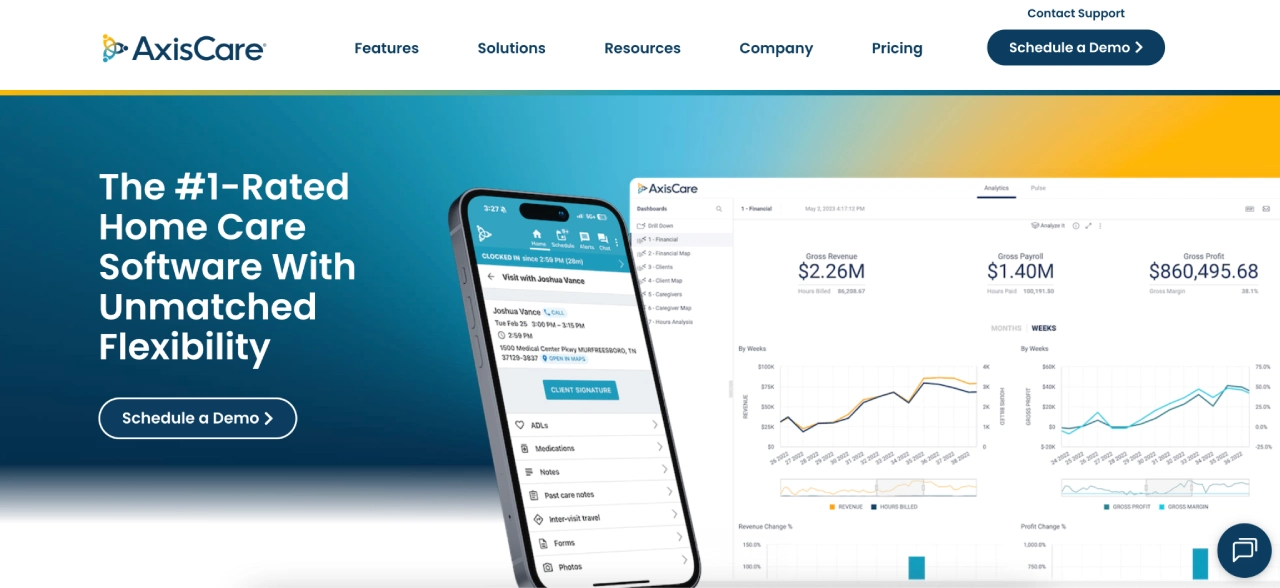
AxisCare provides professional-grade medication management tools designed specifically for home care agencies and healthcare organizations.
Key Features:
- Medication Administration Records (MAR) – Comprehensive documentation system for tracking dosages, administration methods, and special instructions
- Professional caregiver mobile app – Real-time medication tracking and administration reporting for certified caregivers
- Electronic Visit Verification – Ensures medication administration is properly documented and verified for compliance
- Custom medication reporting – Printable MAR forms and detailed medication lists for healthcare providers and families
- Enterprise scalability – Handles medication management for agencies serving 15 to 1,000+ clients
| Pricing | Requires contacting sales for a custom quote. |
|---|
Considerations before going with AxisCare: Designed for professional care agencies rather than individual users. Custom pricing requires consultation, and features are geared toward business operations rather than personal use.
Key Features to Consider When Choosing a Medication Reminder App
Selecting the right tool depends entirely on your specific caregiving role and the complexity of the medical regimen. Use the guide below to find the best fit for your lifestyle.
1. For Individual Users: Prioritize Simplicity
If you are managing your own health, you need an app that reduces mental load rather than adding to it.
- Intuitive Notifications: Look for “persistent” alerts that don’t stop until you acknowledge the dose.
- User-Friendly Data Entry: Features like pill-bottle scanning or auto-complete databases save time.
- Visual Clarity: High-contrast interfaces and pill icons help prevent dosing errors.
2. For Family Caregivers: Prioritize Visibility
Managing health for a loved one is a heavy lift. Don’t forget that supporting family caregivers involves more than just software; it’s about sharing the emotional load.
- Real-Time Alerts: Get notified on your own device if a parent or child misses a dose.
- Health Journaling: Look for apps that track symptoms, mood, and vitals alongside meds.
- Care Circles: The ability to sync data across siblings or spouses to avoid double-dosing.
3. For Complex Conditions: Prioritize Integration
Chronic illness and multi-drug regimens require a higher level of data sophistication.
- Drug Interaction Checks: In-app warnings for potential contraindications.
- Adherence Analytics: Detailed reports you can export and show to a doctor during appointments.
- Refill Management: Automatic reminders to call the pharmacy or integration with home delivery.
For those managing advanced illness, it is helpful to understand the difference between Palliative Care vs Hospice to ensure the medication strategy aligns with long-term goals.
4. For Professional Caregivers: Prioritize Compliance
Agencies and independent aides require tools that meet legal and clinical standards.
- HIPAA-Compliant Security: Ensuring patient data is encrypted and protected.
- Verification Logs: Digital signatures or “proof of administration” for audit trails.
- Multi-Patient Dashboards: The ability to switch between client profiles seamlessly.
Tips for Maximizing Medication Adherence with Apps
Simply downloading an app isn’t enough; you need a strategy to ensure it works for your lifestyle. Here is how to turn your smartphone into a foolproof health assistant.
1. Simplify Your Setup
- Use Visuals: Always upload a photo of the pill. When you’re tired, seeing a “small blue tablet” on your screen is much safer than reading a long medical name.
- The “Hand-to-Pill” Rule: Only dismiss an alert when the medication is actually in your hand. Avoid the “snooze” trap, which is the #1 cause of forgotten doses.
- Anchor Your Alerts: Set reminders to trigger during existing habits, like your morning coffee or right before bed.
2. Close the Communication Loop
- Print Your Progress: Use your app to generate a monthly report. This is especially helpful to prepare for an older loved one’s hospital visit, as doctors will need an accurate list of current meds immediately.
- Log Side Effects Early: If you feel a change in mood or energy, jot it down in the app’s journal immediately. This turns a “vague feeling” into a clear pattern for your healthcare provider.
- Sync with Your “Village”: Enable caregiver alerts. Knowing a family member will get a ping if you miss a dose provides massive peace of mind for everyone involved. This also prevents caregiver burnout by ensuring one person isn’t solely responsible for remembering every single dose.
A Quick Checklist
- Set “Persistent” Alerts: Make sure the alarm doesn’t stop until you tap it.
- Check Your Volume: Ensure your “Focus Mode” or “Silent” switch doesn’t block your health apps.
- Set a Refill Buffer: Give yourself at least 7 days of lead time on pharmacy refills to avoid the “empty bottle” panic.
The Verdict: Which Medication Reminder App Should You Choose?
The right choice depends on your specific caregiving role. Based on our 2026 review, here are the top recommendations to secure your peace of mind:
- Caring Village (Best Overall): The premier “Command Center” for families. It combines smart medication tracking, shared tasks, calendars, documents, and practical AI support from Julia to simplify complex care.
- Medisafe (Best for Medication Adherence): Strong for high-risk regimens. Its Medfriend feature lets a chosen caregiver receive missed-dose alerts, while its reminder system helps reduce forgotten doses.
- Jointly (Best for Care Teams): Ideal for siblings sharing responsibilities. Its shared “Care Circles” and one-time fee keep everyone in sync across multiple locations.
Ready to simplify your caregiving journey? Don’t manage the stress of medication alone. Try Caring Village for Free today and see how Julia can bring total confidence to your family’s care.
The best choice depends on whether you need a dedicated medication reminder or a broader care hub. Medisafe is medication-first, while Caring Village combines medication lists with tasks, documents, calendars, and family communication.
No app can guarantee perfect adherence. Medication reminder apps can reduce missed-dose risk by adding reminders, shared visibility, and caregiver alerts, but medication decisions should still be reviewed with a clinician or pharmacist.
No. These apps are organizational tools. Always confirm dosage, timing, interactions, and changes with a licensed clinician or pharmacist.