

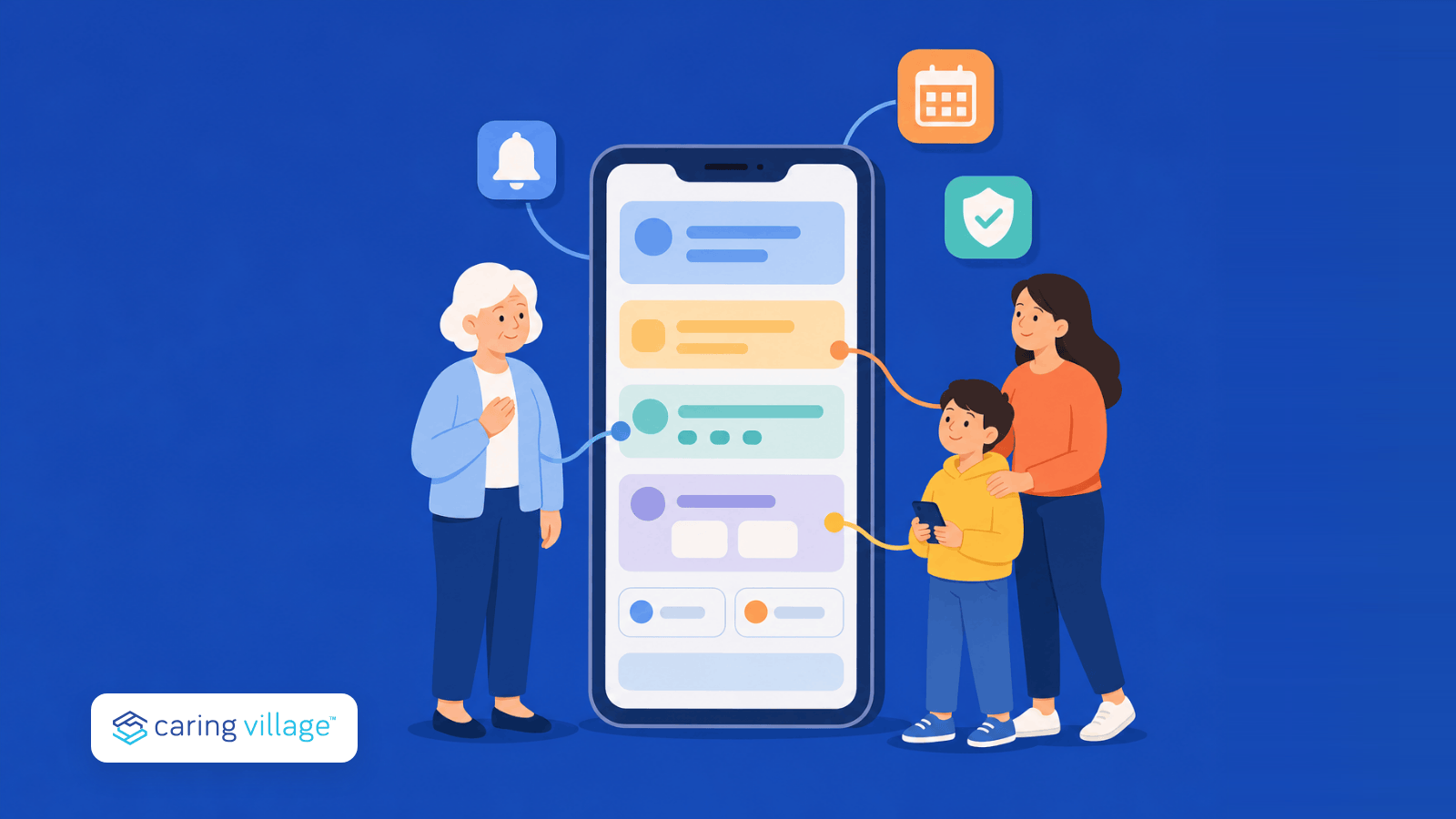

Most caregiving falls apart in the handoffs. Not because nobody cares—but because updates get lost in texts and vital notes vanish. You deserve to be a family member, not just a project manager. We’ve simplified the search for tools that keep updates, tasks, documents, and safety checks in one place.
In this article, we’ll cover:
- A quick-glance table of the best apps for caregivers
- Clear pros/cons for each option
- A simple way to choose your stack (yes, you can use 2 apps together)
If you want to skip the guesswork, Caring Village acts as a central command center. It brings your calendar, meds, and secure chats into one place, using an AI helper to ensure no detail is missed.
How Apps Help You Carry the Load
Caregiving is often called “the invisible job,” but the weight of it is very real. Apps aren’t just about digital checklists; they are about protecting your well-being while providing the best care possible.
Lighter Mental Load
Stop trying to remember everything. Apps act as an ‘external brain,’ holding schedules and history so you can finally clear some head space.
Peace of Mind from Anywhere
Whether you’re at work or in the next room, real-time updates let you know things are okay without constant hovering.
Stress-Free Handoffs
When a sibling or aide takes over, they’ll have the full story—meals, moods, and meds—right on their phone. The guide to caregiver handoffs between relatives and paid aides explains which tasks, notes, permissions, and escalation rules that handoff should include.
Better Conversations with Doctors
Instead of saying ‘I think they’ve been tired,’ you can show the doctor actual patterns for better care.
Ending the ‘Update’ Loop
Share a single update once. This saves you from repeating the same medical news to five different relatives. When paid caregivers contribute too, compare communication apps for mixed family and agency teams and check exactly what each person can read or post.
Best Caregiver Apps at a Glance
| App | Best For | Pricing + Platforms | Main Tradeoff |
|---|---|---|---|
| Caring Village | Comprehensive family care coordination | Free plan; paid from $14.99/month. Web, iOS, Android. | Best as the coordination hub; not a medical monitoring device. |
| Medisafe | Medication reminders and adherence logs | Free app; Premium subscription. iOS and Android. | Strong meds tool, but not a full care-team command center. |
| CaringBridge | Health journey updates and emotional support | Free nonprofit platform. Web, iOS, Android. | Great for updates; limited for tasks, meds, and documents. |
| ianacare | Mobilizing help from a support network | Access may depend on employer, plan, or program. iOS, Android, web. | Powerful support model, but availability can depend on sponsorship. |
| CareZone/Walmart Wellness | Legacy status note | Retired. Not available as a current caregiver app. | Do not choose it for new caregiving workflows. |
| Lotsa Helping Hands | Community task sign-ups | Free community coordination. Web and mobile app support. | Useful for volunteers; lighter on health records and private care data. |
| MyTherapy | Medication + health diary tracking | Free core app. iOS and Android. | Personal health tracker first; not built for whole-family coordination. |
| Life360 | Location visibility and place alerts | Free tier; paid safety plans. iOS and Android. | Location tool, not caregiving records or medication management. |
| Cozi Family Organizer | Household schedules and lists | Free tier; Cozi Gold available. Web, iOS, Android. | Great family calendar; not a health privacy or care record system. |
| Dementia Guide Expert | Dementia education and stage-by-stage guidance | Free educational app where available. iOS and Android listings. | Education only; not monitoring or family coordination. |
| Connected Caregiver | Remote safety visibility | Free Care Essentials app; Safety+ hardware/service may cost extra. iOS and Android. | Advanced safety alerts depend on connected hardware/service. |
The best setup for most families is one source-of-truth app plus, if needed, one specialist tool. For example, Caring Village can own tasks, documents, calendars, and family updates, while a medication-specific app can handle advanced dose workflows.
Related guides: compare dementia caregiver apps, medication reminder apps, elderly care apps, and apps for sandwich generation caregivers. If your next step is building the workflow itself, see how to coordinate care for an aging parent, manage long-distance caregiving, and reduce caregiver burnout.
1. Caring Village – Best for Comprehensive Coordination
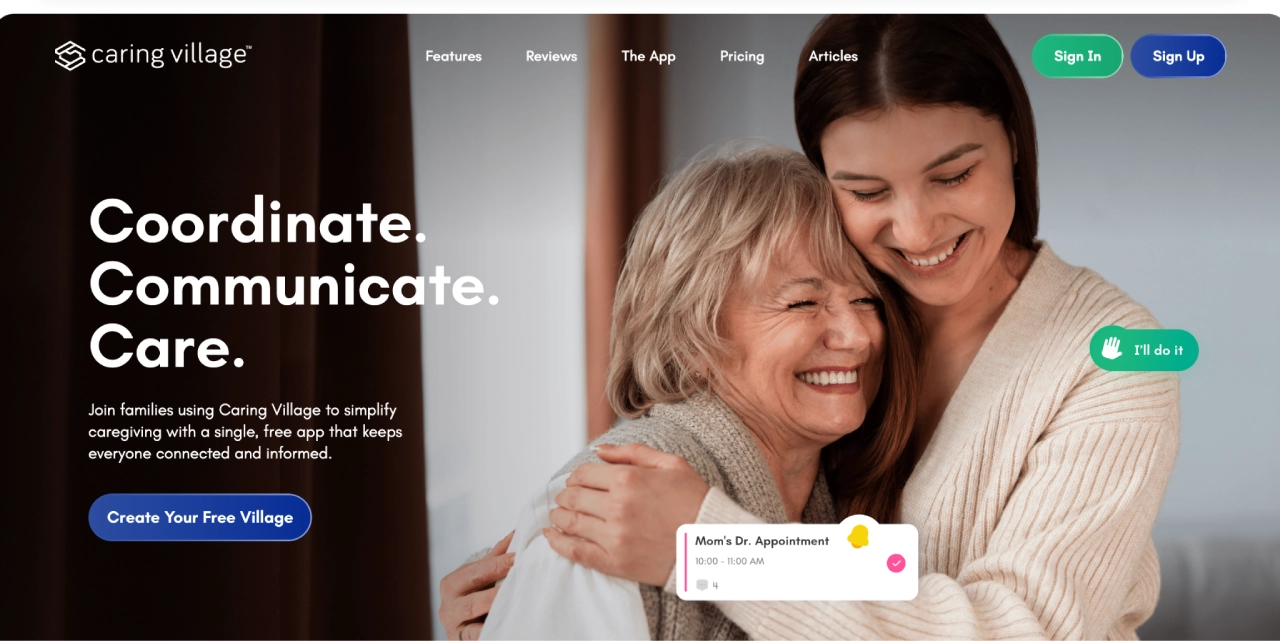
Caring Village is a caregiving platform (mobile app + online dashboard) that turns family care into a shared “village” for one loved one at a time. You build a personalized command center and invite everyone involved in care.
Because these tools live in one workspace, medication updates can stay alongside the calendar, documents, tasks, and team messages instead of being split across separate apps. That reduces duplicate entry and gives every authorized helper the same current picture.
Key features
- The “Village” Hub: Invite family and care-team members into a centralized space with role-based permissions; member limits depend on the plan selected.
- Smart Scheduling & Tasks: A shared calendar for appointments combined with trackable to-do lists to delegate chores or request volunteer help.
- Integrated Health Tracking: Manage medication lists (with photos) and log symptoms or moods in a secure wellness journal.
- Secure Storage & Chat: Encrypted messaging for private updates and a digital vault for medical, legal, and insurance documents.
- AI Guidance: Access Julia, an AI assistant available 24/7 to help answer caregiving questions, think through next steps, and organize care decisions. Julia is not a medical, legal, or crisis service.
| Pricing | Free plan available. Circle is $14.99/month for up to 2 villages with 5 members each, and Village is $24.99/month for larger care teams with up to 5 villages and 50 members each. |
|---|
Considerations before choosing Caring Village
- It is a family coordination system, not a medical monitoring device or emergency response service. Agencies that also need staff scheduling, EVV, billing, or payroll should compare software built for home care operations; a family app serves a different role.
- The Free plan is useful for trying the basics, but larger care teams will likely need Circle or Village for more members and expanded sharing.
2. Medisafe – Best for Medication Management
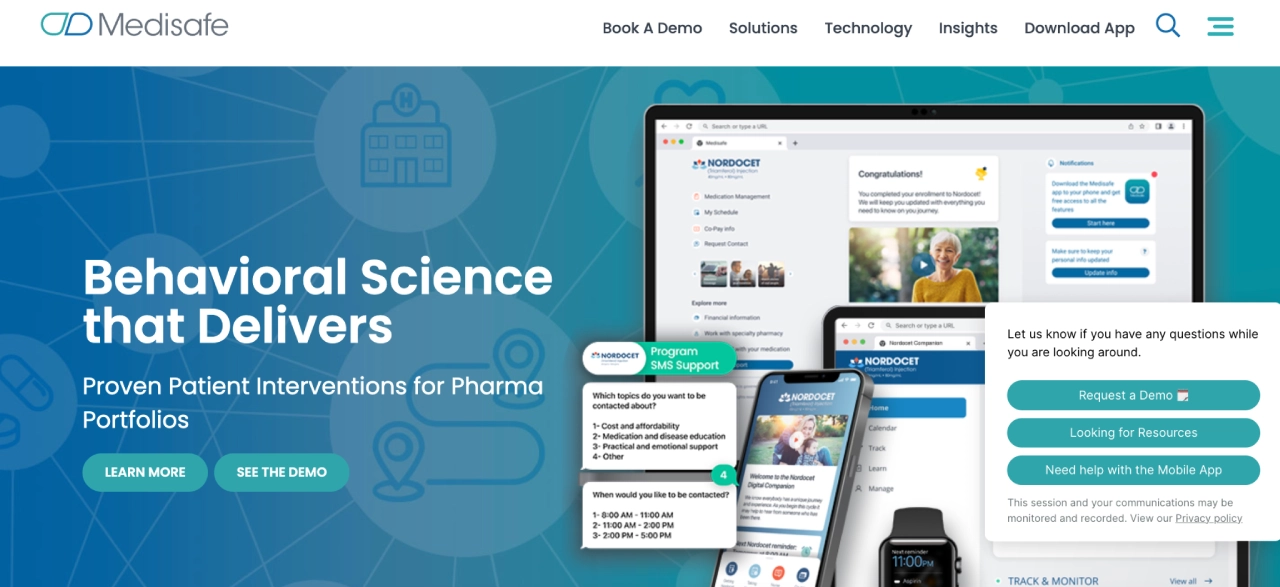
Medisafe is a medication-focused app designed to help people take the right meds at the right time, consistently. It’s built for adherence first, not general caregiving coordination. For a side-by-side look at shared lists, caregiver alerts, records, symptoms, and dose tools, see the full medication app comparison.
Key features:
- Smart Reminders: High-frequency, persistent alerts that track medication schedules and record when doses are successfully taken.
- Refill Tracking: Automated alerts that sync with your supply to ensure you never run out of critical prescriptions.
- Caregiver Connectivity: The “Medfriend” feature notifies you instantly if your loved one misses a dose, allowing for quick intervention.
- Clinical Insights: Offers detailed reports on medication history and adherence patterns that can be shared directly with doctors.
| Pricing | Free consumer app, with Premium commonly listed at $4.99/month in app-store pricing. Confirm current subscription terms before using it for complex medication routines. |
|---|
Considerations before choosing Medisafe
- Premium unlocks broader medication/member capacity, so confirm the current free-tier limits before relying on it for complex regimens.
- Recent Google Play reviews mention medication-editing bugs, duplicate or late reminder confusion, and support delays after updates.
- It is built around medication adherence, not shared documents, care plans, or whole-family task ownership.
3. CaringBridge – Best for Emotional Support & Updates
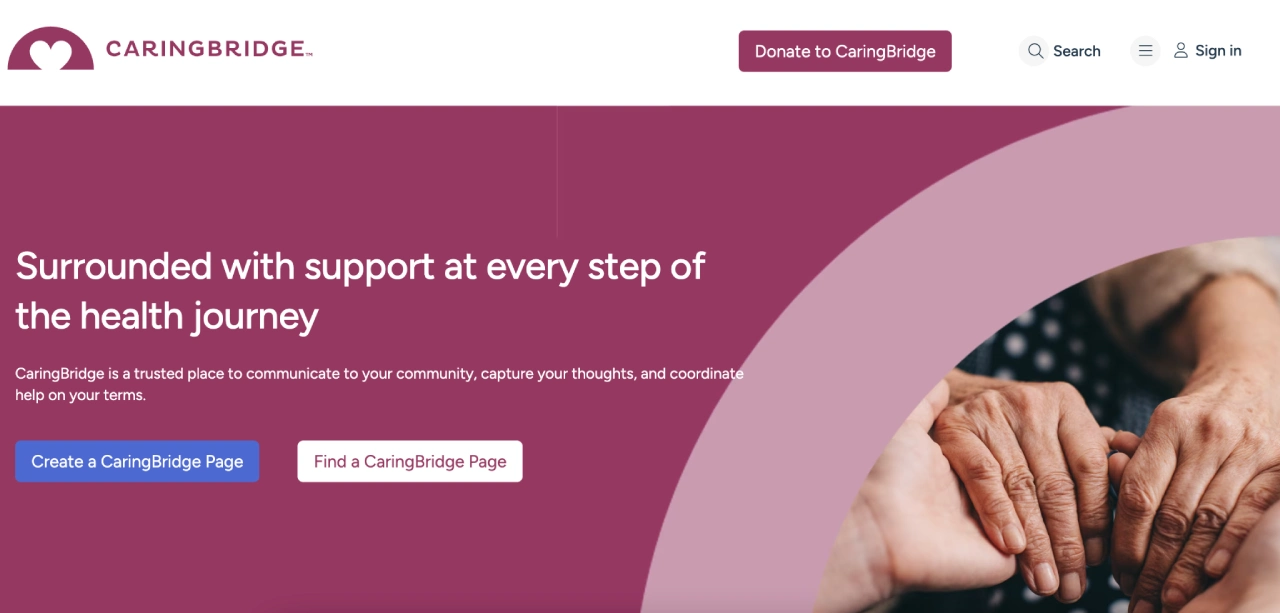
CaringBridge is a communication and community platform that helps families share health journey updates with a wider circle. It reduces the pressure of repeating updates to everyone individually.
Key features:
- Centralized Health Updates: A single, private space to post news, milestones, and photos, replacing the need for repetitive texts or calls.
- Community Connection: Built-in tools for loved ones to leave messages of encouragement, prayers, and support.
- Logistical “Help Requests”: A straightforward platform to coordinate community support like meal trains or transportation.
| Pricing | Free nonprofit platform. Families can use it for private health updates and community support without a subscription. |
|---|
Considerations before choosing CaringBridge
- It is strongest for storytelling, updates, encouragement, and support messages, not operational care management.
- Do not treat it as the system of record for medications, private documents, or assigned family tasks.
4. ianacare – Best for Task Delegation & Support Networks
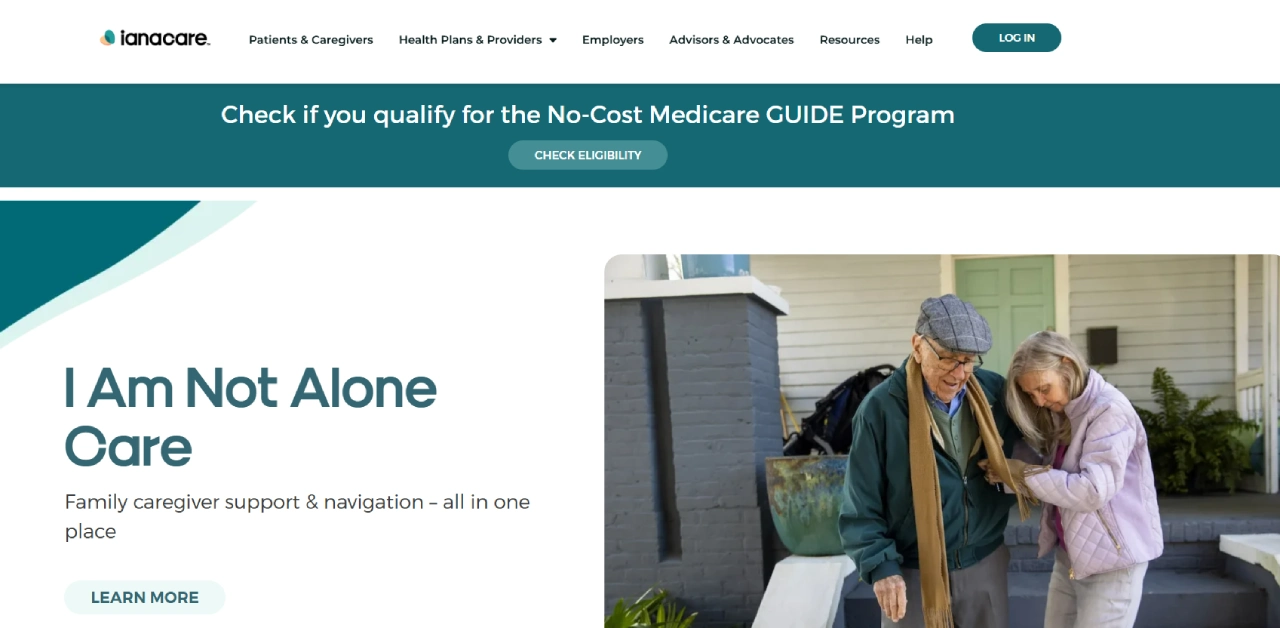
ianacare focuses on organizing care across a network, especially when multiple people share responsibilities. It’s designed to reduce overwhelm by making help visible and scheduled.
Key features:
- Mobilized Caregiver Organizer: A shared calendar that coordinates meal deliveries, rides, and care shifts among friends and family.
- Professional Navigator Support: Access to social workers and nurses who provide personalized guidance and resource connections.
- Local Resource Directory: A searchable database for finding local care facilities, financial help, and legal services.
| Pricing | Core access may be free, while navigator, employer, health-plan, or CMS GUIDE features can depend on eligibility or sponsor access. |
|---|
Considerations before choosing ianacare
- Some guidance, navigator, employer, health-plan, or CMS GUIDE features may depend on eligibility, sponsor access, or program availability.
- Families should confirm which features are available directly to them before building the care workflow around it.
5. CareZone/Walmart Wellness – Legacy Status Note
CareZone/Walmart Wellness is not recommended as a current caregiver app. Walmart says the Wellness app retired on January 31, 2023, and unmigrated CareZone accounts were deactivated. Families should choose a currently maintained app for health records and medication reminders.
| Pricing | Retired/legacy status. Choose a current alternative. |
|---|
Why CareZone is listed as legacy
- Walmart says the Wellness app retired on January 31, 2023 and is no longer available to install or use.
- Families building a new caregiving system should choose a maintained alternative.
6. Lotsa Helping Hands – Best for Community-Based Task Support
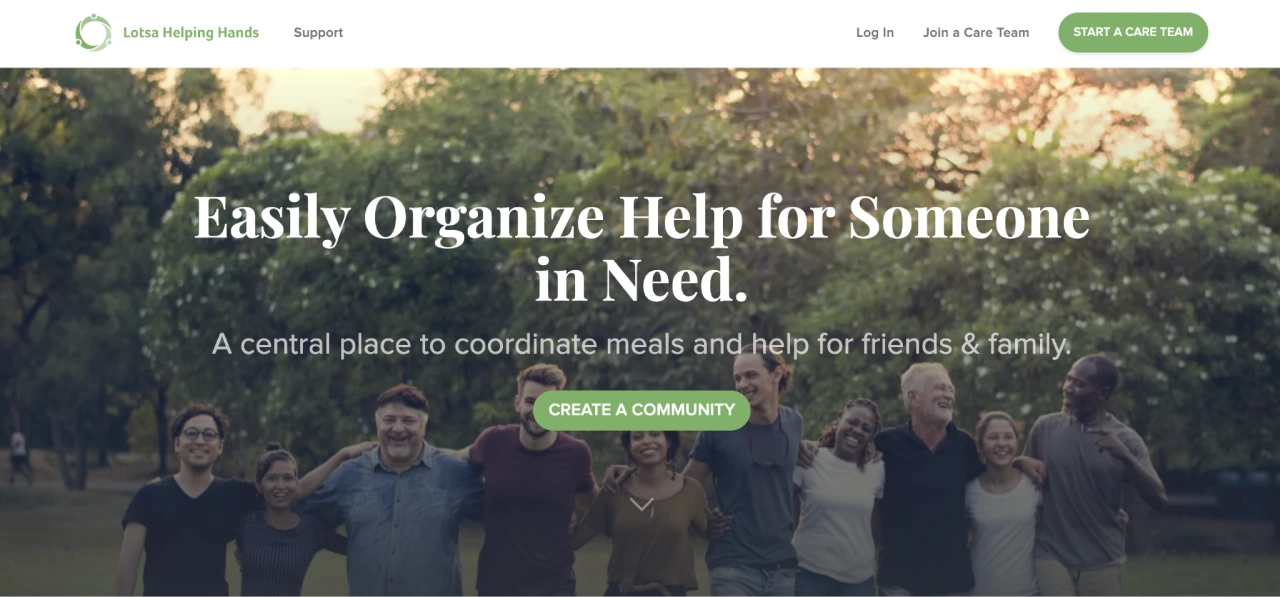
Lotsa Helping Hands is a volunteer coordination platform that organizes practical help from friends, family, and neighbors—especially meals, rides, and visits.
Key features:
- Care Calendar: A simple interface where you can post specific needs like meal deliveries, rides to appointments, or wellness visits.
- Volunteer Sign-Ups: Allows your community to claim tasks directly, taking the pressure off the primary caregiver to ask for help repeatedly.
- Coordination Tools: Features automated reminders for volunteers and a dedicated space for supportive announcements and messages.
| Pricing | Free community coordination service for meals, rides, visits, errands, and volunteer sign-ups. |
|---|
Considerations before choosing Lotsa Helping Hands
- It is best for volunteer coordination, not private medical records or complex family-care planning.
- Recent App Store reviews include complaints about blank screens, glitches, and trouble signing up for shifts.
7. MyTherapy – Best for Combined Med/Health Logging
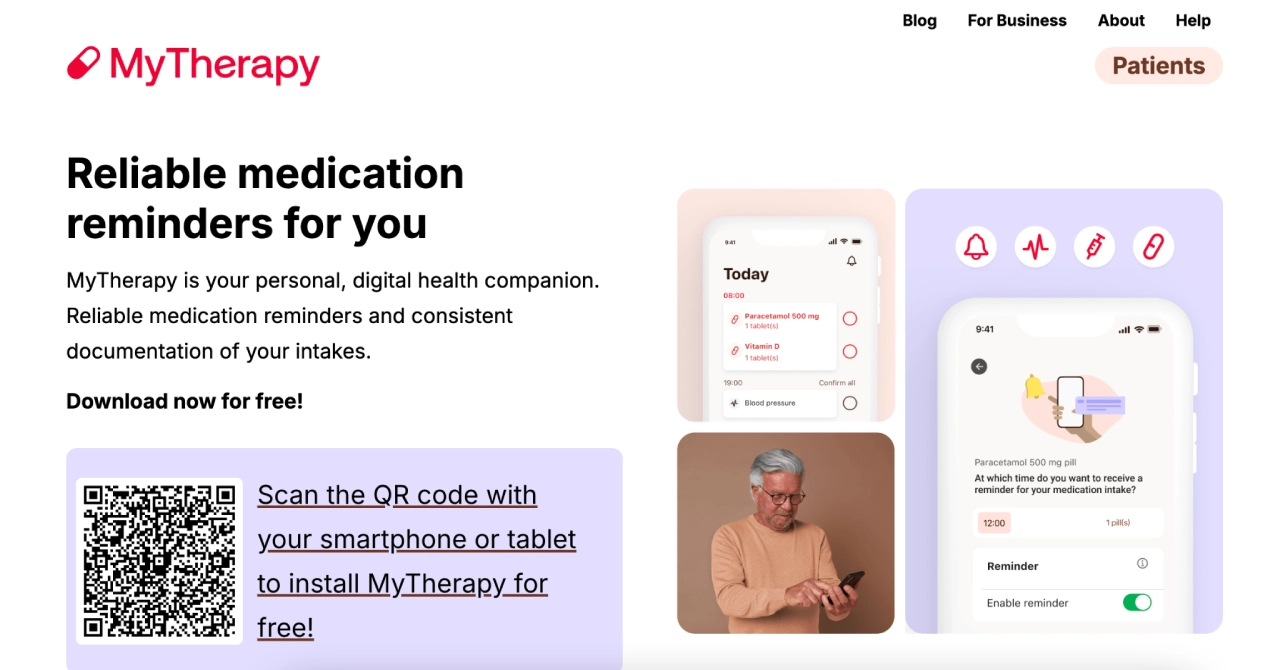
MyTherapy is a medication reminder app with an integrated health diary for tracking symptoms and measurements over time. It’s a “meds + health log” combo tool.
Key features:
- Combined Tracking: Syncs medication alarms with reminders to log measurements like blood pressure, blood sugar, or weight.
- Persistent Reminders: Features “hard-to-ignore” notifications that continue to alert the user until an action is confirmed or snoozed.
- Monthly Health Reports: Automatically generates a comprehensive PDF report of adherence and vitals to share with healthcare providers.
- Symptom & Mood Journal: A built-in diary to track pain levels, side effects, and daily emotional well-being.
| Pricing | Free core app for medication reminders and health diary tracking. Confirm current app-store details before relying on it for multiple profiles or advanced use cases. |
|---|
Considerations before choosing MyTherapy
- It is a personal medication and health tracker, not a shared family-care command center.
- Recent Google Play reviews mention the newer interface can feel more complicated or overwhelming for people managing several medications.
8. Life360 – Best for Location Sharing
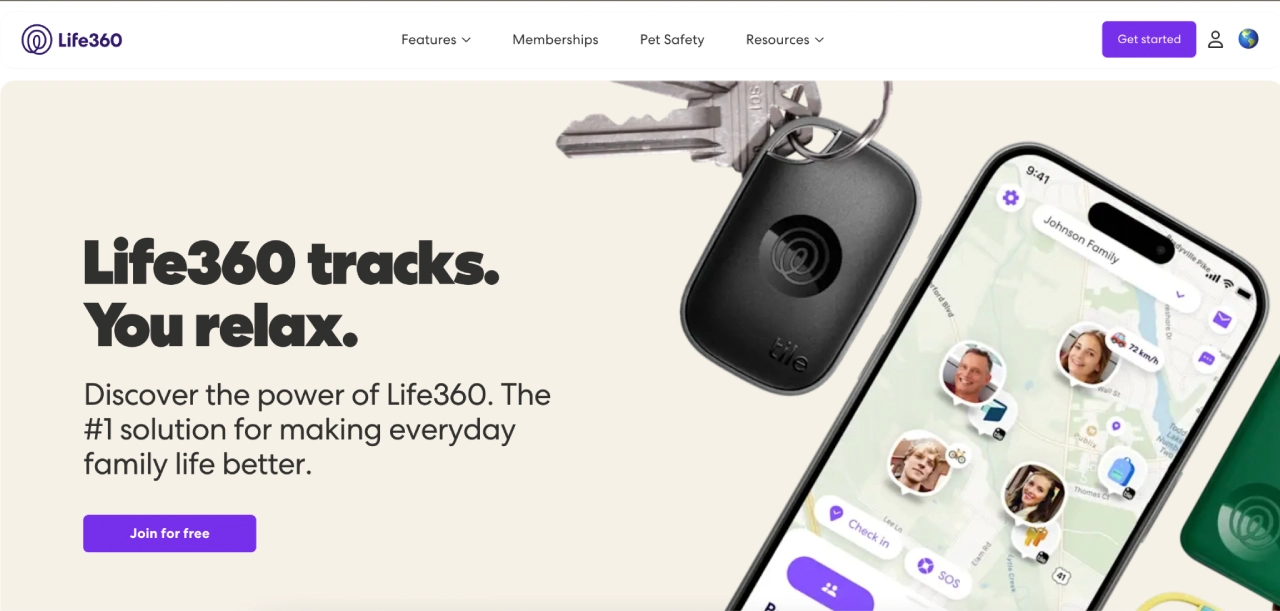
While not a dedicated caregiving app, Life360 is the industry leader for real-time visibility. It is used by families to ensure a loved one’s physical safety and independence without constant “check-in” calls.
Key features:
- Real-Time Location Sharing: View your loved one’s movement on a private map to ensure they arrived safely at their destination.
- Place Alerts: Automatic notifications when a family member enters or leaves designated areas (like home, the doctor, or the senior center).
- Crash Detection & SOS: Premium features that detect vehicle accidents or allow the user to send a silent emergency alert with their precise location.
- Location History: A summary of recent movements to help identify patterns or assist if someone becomes disoriented.
| Pricing | Free tier available, with paid safety plans for expanded location, alert, and safety features. Pricing and features can vary by plan and region. |
|---|
Considerations before choosing Life360
- It is a location and safety app, not a caregiving chart, document vault, medication system, or private care plan.
- Google Play reviews mention occasional location or arrival inaccuracies, and the listing discloses location and health/fitness data sharing with third parties.
9. Cozi Family Organizer – Best for Family Scheduling
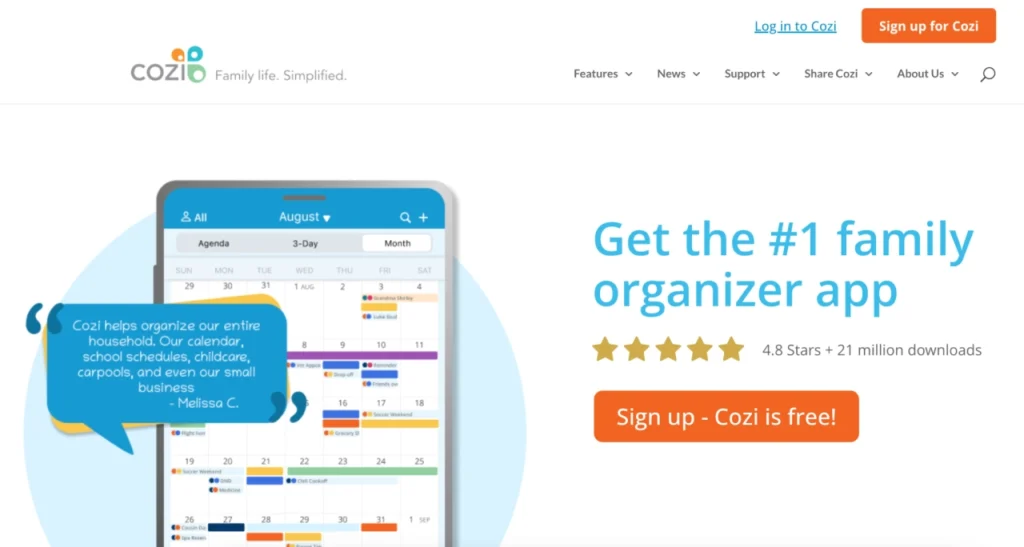
Cozi is a family organization app that helps households coordinate schedules and shared lists. It’s a practical “everyone sees the calendar” tool.
Key features:
- Color-Coded Calendar: A shared view where every family member has their own color, making it easy to see who is responsible for which appointment.
- Shared Lists: Real-time grocery and to-do lists that anyone in the family can update from their own device.
- Agenda Emails: Automated daily or weekly summaries sent to the whole team to ensure no one forgets a doctor visit or care shift.
- Recipe Box: A centralized place to store meal plans and dietary requirements for the household.
| Pricing | Free tier available, with Cozi Gold offered as the paid upgrade for additional household organization features. |
|---|
Considerations before choosing Cozi
- Cozi is a household organizer, not a health-record, medication, or HIPAA-oriented caregiving system.
- Recent Google Play reviews include complaints about shared-list items disappearing and login/list-navigation friction.
10. Dementia Guide Expert – Best for Dementia Care
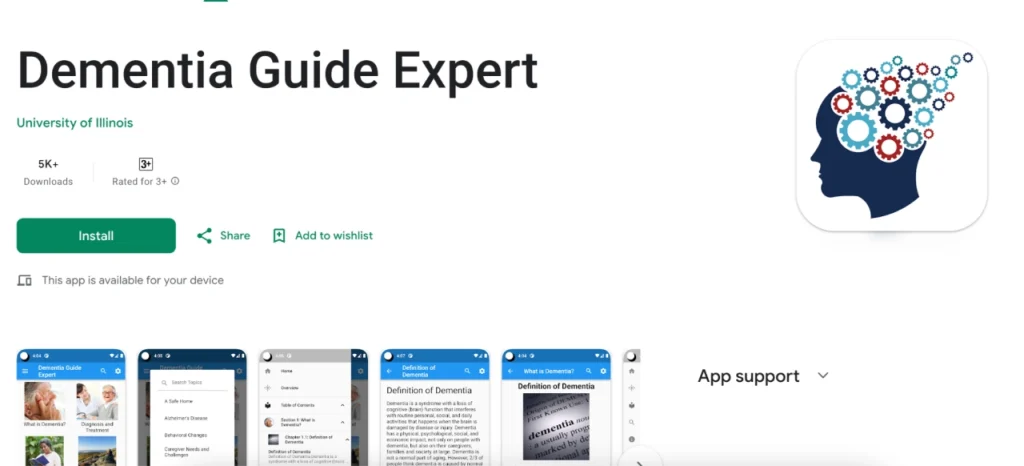
Dementia Guide Expert is an educational resource app created by dementia experts to support people with dementia and the families caring for them. Current listings exist on iOS and Android, but it should be treated as education and decision support, not monitoring or family coordination. For a deeper dementia-specific comparison, see our guide to dementia caregiver apps.
Key features:
- Evidence-Based Education: Provides practical, stage-by-stage advice on understanding dementia symptoms, behaviors, and disease progression.
- Management Tips: Offers expert-backed strategies for handling daily care challenges, such as communication difficulties and safety concerns.
- Resource Directory: Connects families to external links and specialized resources for dementia-specific support and legal planning.
- Positive Care Approach: Focuses on improving the quality of life for both the care recipient and the family through empowering, non-stigmatizing information.
| Pricing | Free educational app where available. Confirm current platform compatibility before relying on it as a dementia education resource. |
|---|
Considerations before choosing Dementia Guide Expert
- This is an educational resource, not a monitoring, medication, scheduling, or care-team coordination app.
- The App Store version history shows its most recent major update in 2022, so confirm current platform compatibility before relying on it.
11. Connected Caregiver – Best for Remote Medical Monitoring and Safety
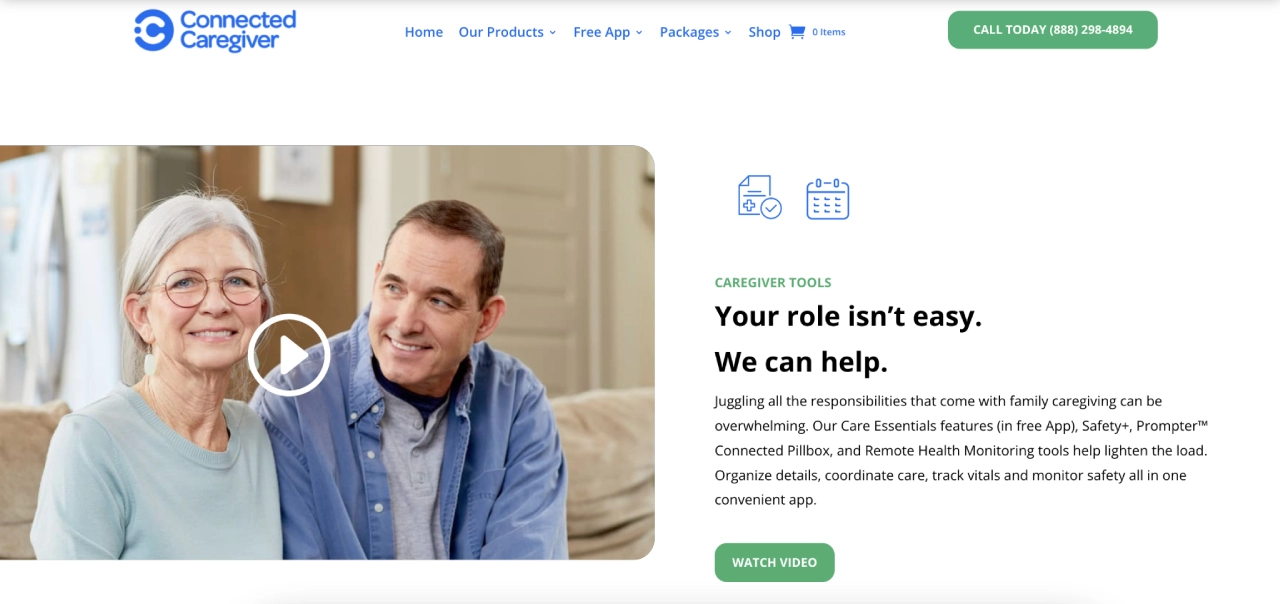
Connected Caregiver is designed for families who need to bridge the gap between daily life and remote monitoring. The free app organizes care details, while fall detection, GPS/geofencing, and emergency alerts require Connected Caregiver Safety+ hardware/service.
It excels at keeping remote caregivers informed about their loved one’s physical health through real-time data and integrated devices.
Key features:
- Remote Vital Tracking: Integrates with wearable devices and blood pressure monitors to alert family circles of health changes.
- Unified Health Dashboard: Provides a clear view of physical activity, sleep patterns, and medical alerts in one feed.
- Safety Circles: Allows for the invitation of multiple family members to view a loved one’s status and coordinate emergency responses.
| Pricing | Free Care Essentials app for basic care organization. Safety+ hardware or service features may require a separate purchase or subscription. |
|---|
Considerations before choosing Connected Caregiver
- The free Care Essentials app covers care details like appointments, notes, medication information, and collaboration.
- More advanced fall detection, GPS/geofencing, and emergency-alert use cases may depend on Safety+ hardware/service, so confirm device compatibility and cost before choosing it.
How to Choose the Right Caregiver App
If you choose an app based solely on a long list of features, you might end up with a tool that nobody actually uses. Instead, pick based on your biggest bottleneck.
1. Match the Tool to the Task
Before downloading anything, identify the one thing causing the most stress right now. Apps generally fall into these specific “specialties”:
Coordination Hubs
Managing multiple family members, calendars, and shared documents
Health Trackers
Medication adherence, symptom logs, and vitals monitoring
Community Support
Organizing ‘village’ help like meal trains or rides
2. Choose a “Source of Truth”
Most families don’t need 11 apps. They need one place where everyone checks first.
A good rule:
- One app = system of record (tasks + schedule + updates)
- One app = specialist tool, only if needed: medications, mental health, or live captions for a relative with hearing loss
Caring Village fits naturally as the system of record because it combines tasks, schedules, meds list, docs, updates, and messaging in one place.
3. Make Onboarding Frictionless
If your care team includes people who “aren’t tech-savvy,” you win adoption by starting small. Don’t try to move your entire life into the app in one afternoon.
Try the 72-Hour Care App Setup Plan
Send invites and add one upcoming doctor’s appointment
Assign three tasks (not thirty) so others feel useful without overwhelm
Upload one essential document (like an insurance card) to show immediate value
Moving From “Managing” Back to “Being Family”
The right app shouldn’t be another chore—it should be where the weight is shared. To keep your care team running smoothly without the burnout, keep these three principles in mind:
Pick a “Source of Truth”
Use one central hub so vital updates don’t vanish in a group text.
Solve the Bottleneck
Address your biggest stressor first, whether it’s medication safety or the weekly schedule.
Start Small
Use the 72-hour rule—one appointment, one task, and one document—to get everyone on board.
Most families find that “app fatigue” is the biggest hurdle to consistent care. Caring Village solves this by consolidating your calendar, meds, documents, and team chat into one dashboard.
With the added support of Julia, our AI assistant, you have 24/7 help thinking through caregiving questions and next steps while your care team stays aligned in one shared system.
A caregiver app can be secure when it controls access, keeps sensitive information private, and avoids sharing health details through unsecured channels. For example, Caring Village uses role-based permissions and secure messaging so only invited members see updates while keeping everything organized in one place.
Start with one problem everyone feels, such as appointments, medications, or repeated update texts. Invite only the core care team first, assign one or two real tasks, and show family members how the app reduces confusion instead of adding another chore. If the care plan itself is still unclear, begin with the complete parent-care roadmap before choosing an app.
Yes. The cleanest setup is one care coordination app plus one specialist tool. For example, Caring Village can handle tasks, calendars, documents, and updates, while a dedicated medication app can handle advanced reminder workflows.