



Caregiving often feels like managing two lives at once, and it’s rarely the “to-do” list that causes the spiral—it’s the mental load of keeping that list in ten different places.
When you’re juggling elder care for a parent alongside the logistical whirlwind of school runs and summer camps for your kids, “app chaos” is the last thing you need.
In this article, we’ll cover:
- Coordinating elder care and family logistics
- Tools to prevent missed meds or appointments
- A simple framework for picking the right app
While we’re Team Caring Village, we’ve reviewed several other top apps in this space so you can compare features and find the one that truly fits your unique rhythm.
What Sandwich Generation Caregivers Need Most
Managing the “sandwich” years means your brain is constantly switching between your kids’ schedules and your parents’ health. To stay afloat, you need more than just a list—you need a system that handles:
- Centralized Coordination: One hub for family tasks, health updates, and school runs.
- One-and-Done Communication: No more repeating the same update to three different siblings. This is a vital part of supporting family caregivers so the primary caregiver isn’t buried in texts.
- The Big Three: Seamless management of medications, appointments, and vital documents.
- Secure Collaboration: A safe way to share sensitive info with doctors or sitters.
- Mental Breathing Room: Tools that automate the “remind me” phase so you can actually rest.
How to Choose the Right App for Your Family: The 4C Framework
Before we dive into the list, use the 4C Model to evaluate any app. In the sandwich years, a tool is only useful if it lightens your load rather than adding to it.
- Coordination (The “3-Click Rule”): Does it centralize tasks, calendars, and meds so you aren’t the middleman? If you can’t find a doctor’s number or a dosage in three clicks, it’s too complex for a crisis.
- Collaboration: Can you invite siblings, sitters, and aides with different access levels? Look for apps that allow “circles” or “villages” so you aren’t the sole gatekeeper of information.
- Continuity: Will it adapt when routines shift? Ensure the app handles both elder care and kid logistics so you aren’t stuck with “app fragmentation”—where jumping between five different tools creates more stress than it saves.
- Care Context (Security & Nudges): Does it offer offline access and encrypted storage for sensitive medical docs? The best apps don’t just store info; they actively nudge the whole team with refill alerts and check-ins.
If an app fails two or more of the 4Cs, it will likely just become “yet another place to check.”
TL;DR – Best Apps for Sandwich Generation Caregivers
| App | Best For | Key Features | Price | Unique Value |
|---|---|---|---|---|
| Caring Village | Eldercare coordination | Shared calendar, tasks, meds, secure docs, and Julia. | Free; paid from $14.99/mo. | Best anchor for the elder-care side of sandwich caregiving. |
| CaringBridge | Updates & Support | Private journals, help requests, and community encouragement. | Free; donor-supported. | Replaces mass texting to protect your emotional energy. |
| Lotsa Helping Hands | Community Help | Volunteer sign-ups for meals, rides, and errands. | Free. | Turns vague offers of help into scheduled commitments. |
| Medisafe | Medication Safety | Precision reminders and caregiver dosage alerts. | Free; Premium $4.99/mo. | Eliminates “Dose Doubt” for complicated medication routines. |
| Carely | Family Communication | Social-style feed, visit reports, and secure messaging. | Free core app. | Stops the need for a “human relay station” to update family. |
| Elli Cares | Safety Monitoring | GPS tracking, geofencing, and multimedia task reminders. | Check current plan pricing. | Reduces anxiety when managing cognitive impairment. |
| AARP Caregiving | Education & Basics | Vetted checklists, resource library, and basic tracking. | Free. | A trusted starting point to learn caregiving essentials. |
1. Caring Village – All-in-One Care Coordination
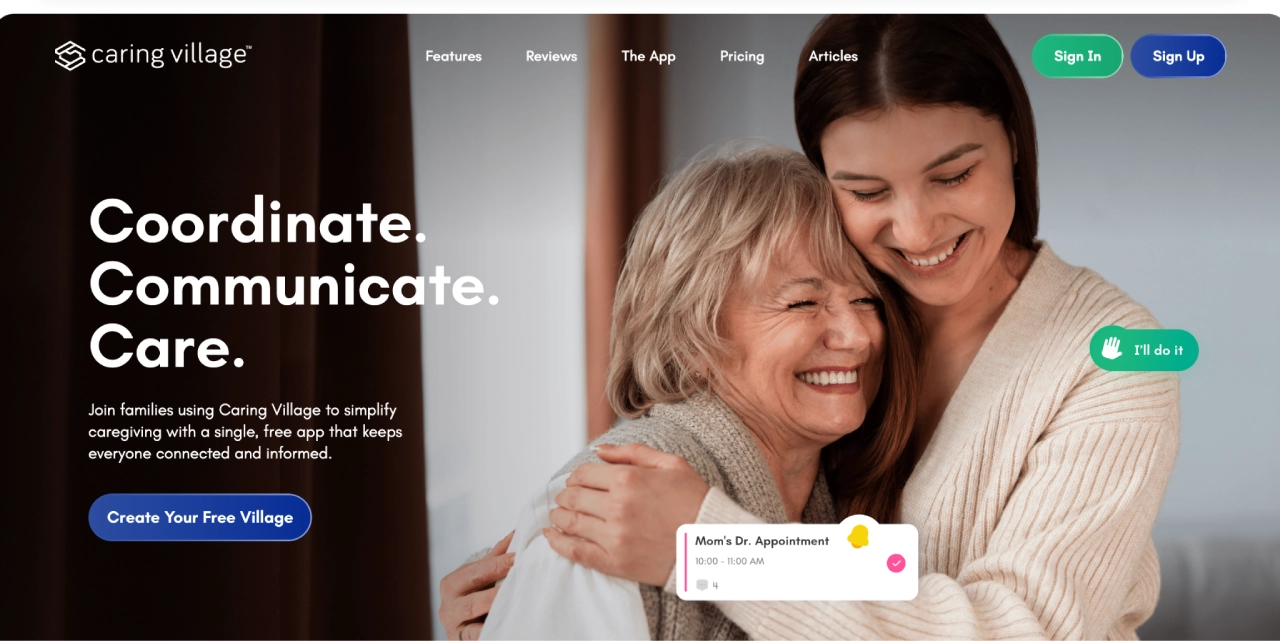
Caring Village is designed for families who need one place to run the whole operation—without juggling group texts, shared notes, and “who’s picking up what?” confusion.
Key features:
- The “Village” Model: Create a private circle for each person you’re caring for, inviting family, neighbors, or professionals.
- Task & Volunteer Coordination: Post to-do lists and let others claim tasks, with automatic reminders so nothing falls through the cracks.
- Medication Management: A comprehensive tracker including photos, refill alerts, and dosage reminders.
- Secure Document Vault: Keep medical records, legal papers, and insurance info organized and accessible in an emergency.
- Wellness Journaling: Log symptoms and daily updates to spot health trends over time.
- AI Assistant (Julia): Get practical help answering caregiving questions, thinking through next steps, and organizing care decisions. Julia is available 24/7, but it is not a medical, legal, or crisis service.
Why it Wins for the Sandwich Generation:
It reduces the elder-care side of the “Mental Load Tax.” By centralizing schedules, medical details, documents, and care tasks, you stop being the sole gatekeeper of information. For school calendars, sports, or kid logistics, pair it with a household calendar tool; for aging-parent care coordination, Caring Village should be the anchor.
2. CaringBridge – Emotional Support & Health Updates
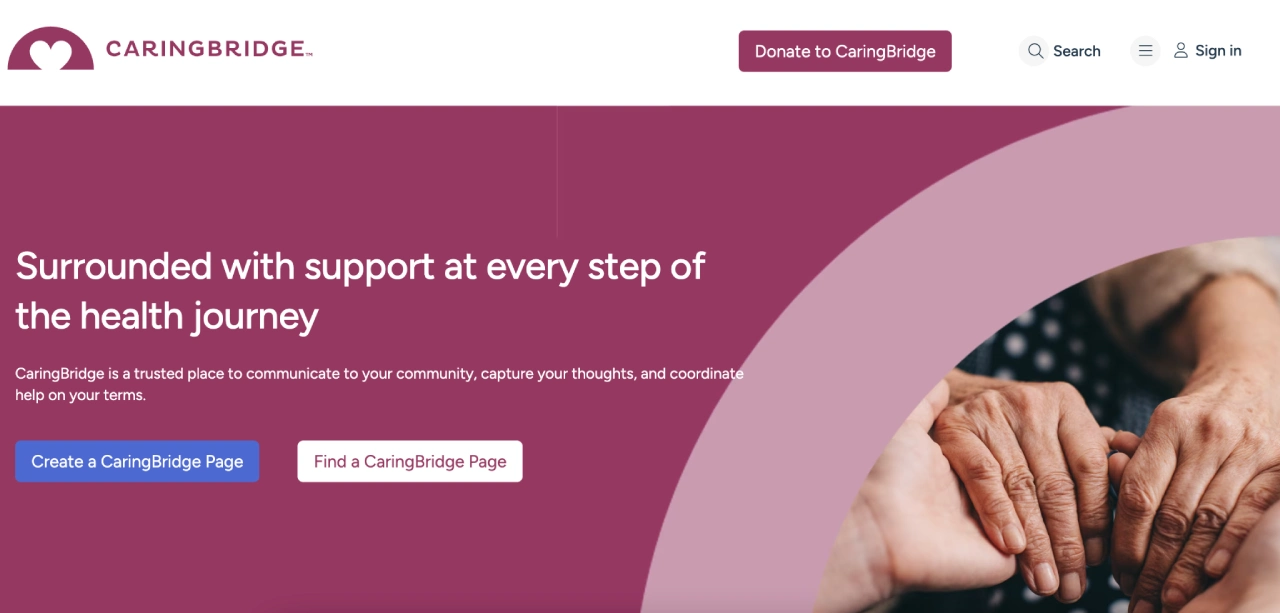
CaringBridge is the best choice when the biggest drain is communication fatigue. It’s designed to save you from the “update loop”—sending the same medical news to ten different relatives and then answering five separate follow-up texts.
Key features:
- Journal-Style Updates: Post one health update that instantly reaches your entire private community.
- “Ways to Help” Integration: Includes a “Requests” feature for specific needs like meals, errands, or transportation.
- Privacy Controls: A secure, ad-free alternative to social media where you control who sees your family’s journey.
- Tribute & Encouragement: A dedicated space for well-wishes and “hearts” that boosts morale without requiring a response.
Why it Wins for the Sandwich Generation: It protects your emotional energy. By replacing dozens of individual texts with one clear post, you keep distant family informed without adding another item to your physical to-do list.
3. Lotsa Helping Hands – Mobilize Community Support
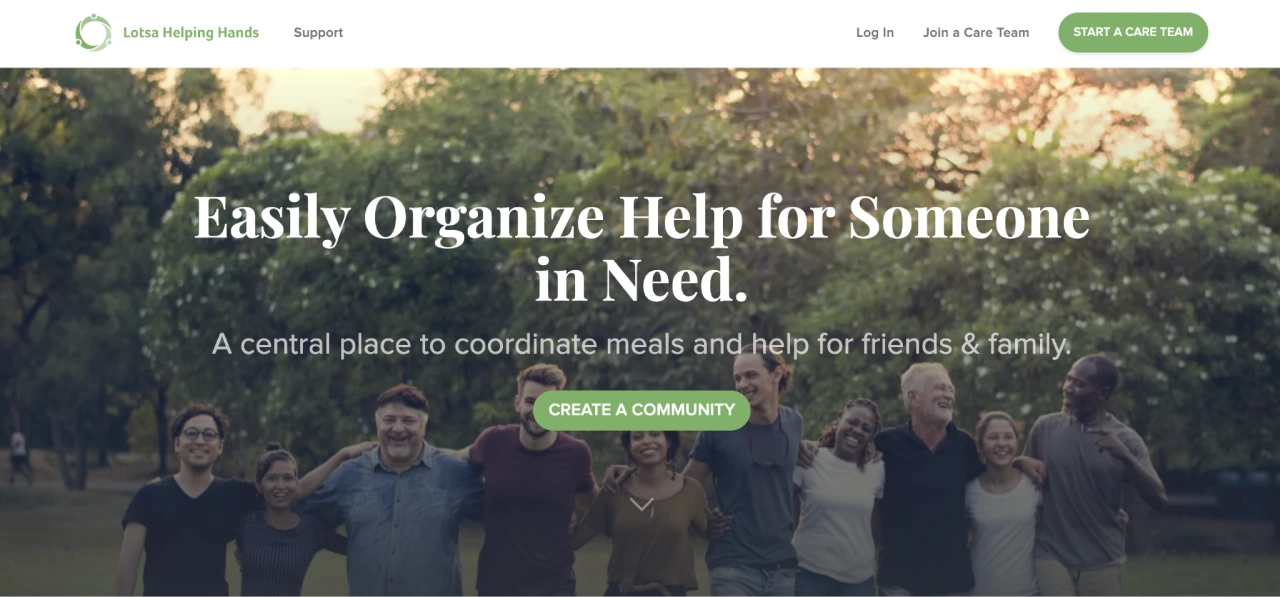
Lotsa Helping Hands shines when you need extra hands fast—meals, rides, visits, and other practical support that keeps the whole week from collapsing. It’s built to turn the vague offer of “let me know how I can help” into a scheduled commitment.
Key features:
- Care Calendar: A simple grid where you post specific needs like meal deliveries, rides to soccer practice, or senior doctor visits.
- Volunteer Sign-ups: Family and friends can see exactly where the gaps are and “claim” a task in one click.
- Automated Reminders: The app sends nudges to volunteers so you don’t have to play “taskmaster” or chase people down.
- Photo Gallery & Well-Wishes: Keeps the community connected and motivated as they help.
Why it Wins for the Sandwich Generation: It’s the ultimate delegation tool. It allows you to offload time-consuming logistics (like grocery runs or school pickups) so you can stay available for the high-stakes medical or emotional needs of your parents and children.
4. Medisafe – Medication Management for All Ages
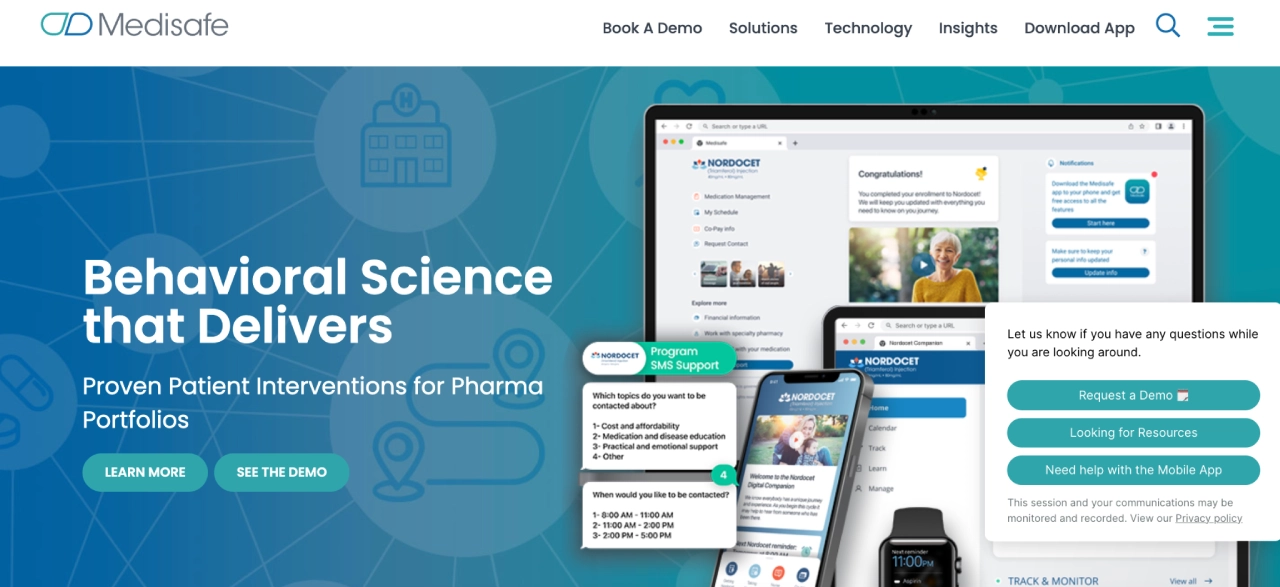
Medisafe focuses on medication adherence. It is essential when you are balancing multiple prescriptions across different generations—ensuring both your kids and your parents stay on track with zero guesswork.
Key features:
- Precision Reminders: Set custom alerts for complex schedules, including dosage amounts and “take with food” instructions.
- Caregiver Connectivity: Link accounts so you get a notification on your phone if a loved one misses a dose, allowing for a quick check-in.
- Interaction Checker: Alerts you to potential conflicts between medications or supplements.
- Refill Reminders: Tracks how many pills are left and nudges you when it’s time to call the pharmacy.
Why it Wins for the Sandwich Generation: It eliminates the uncertainty of whether a dose was actually taken. Instead of constantly checking in on a parent’s heart medication or your kids’ vitamins, the app provides a real-time digital paper trail. This creates a vital safety net, especially during hectic weeks when your normal routine gets disrupted.
5. Carely – Family Communication & Visit Tracking
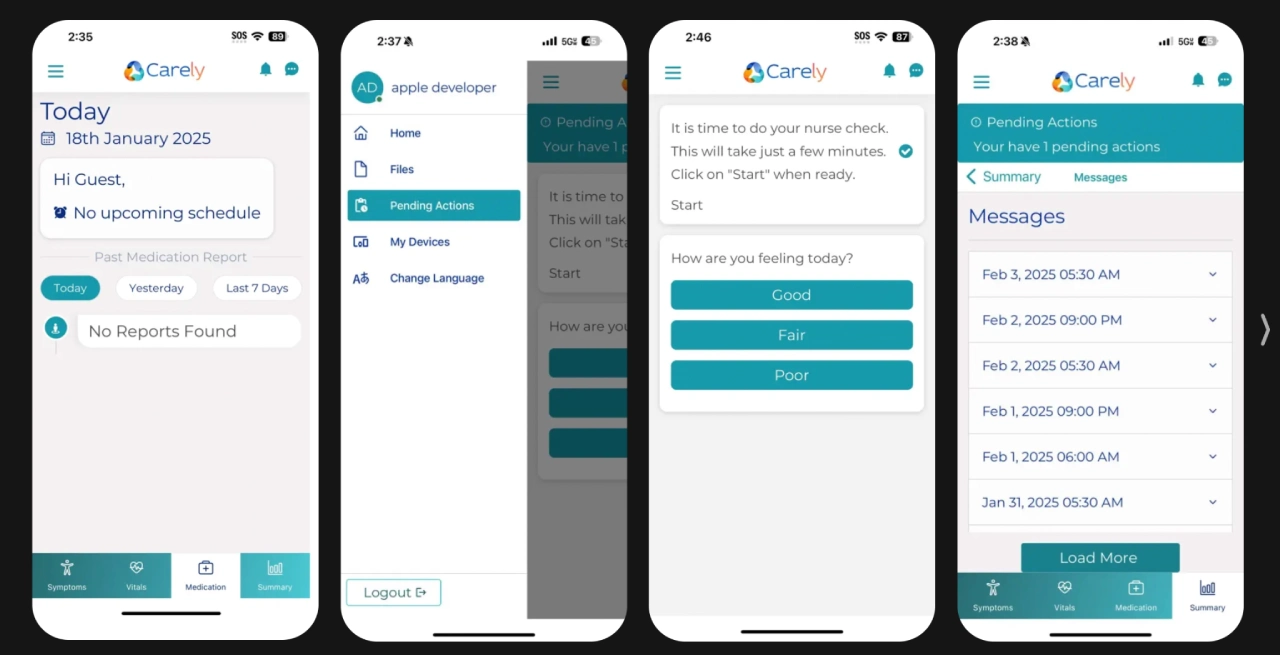
Carely is built for families who want a social-style feed of what’s happening. It’s particularly effective when multiple family members or professional caregivers rotate visits and need to stay in the loop.
Key features:
- The Family Feed: A centralized stream where anyone can post photos, notes, or health updates after a visit.
- Visit Reporting: A structured way for caregivers to share “how the day went,” covering everything from mood to appetite.
- Shared Calendar: A simple view for tracking appointments and who is responsible for transportation.
- Secure Messaging: Keeps sensitive health discussions out of cluttered text threads and organized by topic.
Why it Wins for the Sandwich Generation: It stops you from becoming a human relay station. By making updates visible to the entire family at once, you no longer have to manually update every relative. This closes communication gaps and ensures appointments aren’t missed because of “I thought you had it” confusion.
6. Elli Cares – Safety & Remote Monitoring
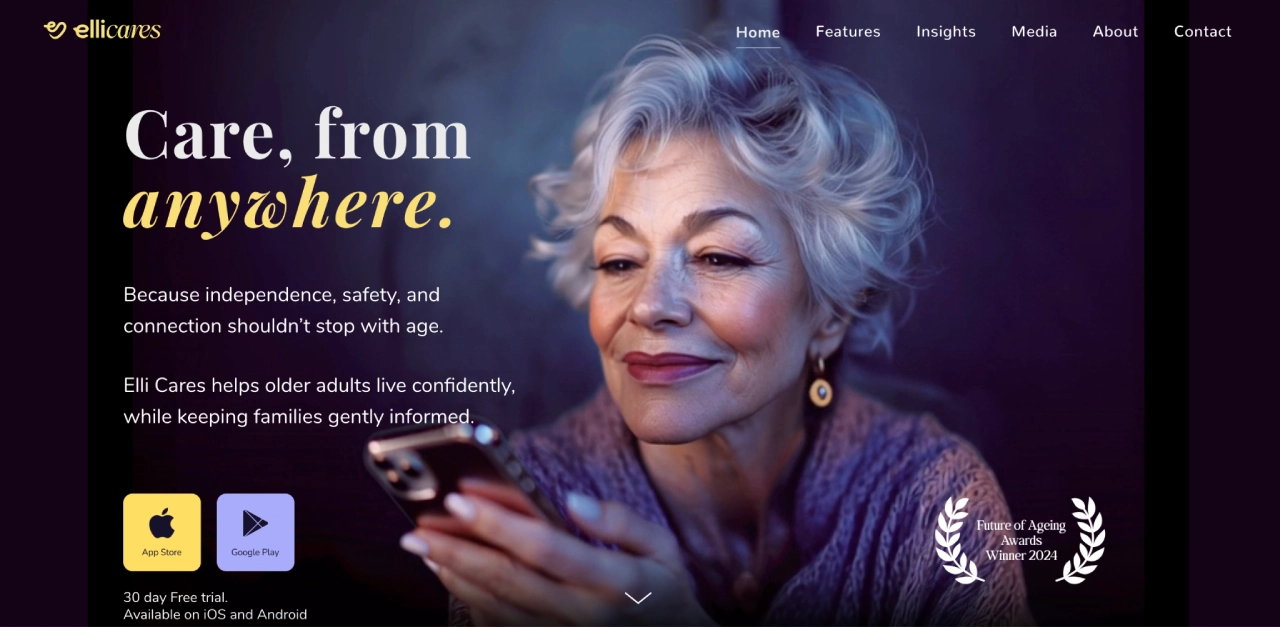
Elli Cares is designed for families managing cognitive impairment or dementia. It focuses on maintaining independence while providing a safety net through unobtrusive remote monitoring.
Key features:
- Video & Multimedia Reminders: Send personalized video clips for complex tasks, like visual instructions on how to use the microwave or take specific pills.
- Safe Zones (Geofencing): Set a digital boundary; you’ll get a real-time alert if your loved one wanders outside of it.
- “Find My Way Home”: A simple, one-touch button on your loved one’s phone that provides navigation back to their safe zone.
- Care Team Alerts: Notifies up to five family members if a reminder is missed or a safe zone is exited.
Why it Wins for the Sandwich Generation: It lets you focus on work or your kids without constant “safety anxiety.” Instead of disruptive check-in calls that can frustrate a senior, the app provides peace of mind through background alerts and visual guidance.
7. AARP Caregiving App – Education & Resources
This app works best as a trusted starting point. If you are new to the sandwich generation and feel overwhelmed, AARP provides a structured way to learn the ropes while organizing the basics.
Key features:
- Expert Checklists: Access step-by-step guides on everything from home safety to legal prep.
- Care Circles: Create a small team to share contact lists, medical IDs, and insurance card photos.
- Resource Library: A massive database of articles on symptom management and caregiver self-care.
- Medication Tracker: A straightforward tool to log prescriptions and set simple reminders.
Why it Wins for the Sandwich Generation: It stops the “doom-scrolling.” Instead of searching random forums for advice, you get vetted information in one place. It’s a perfect companion app to use alongside a more technical tool as you build your long-term care system.
How to Pick Your Starting Point: Reclaim Your Peace of Mind
The key to surviving the “sandwich years” is finding a system that prioritizes shared visibility. When everyone is looking at the same source of truth, the “mental load tax” finally starts to lift.
- Identify the Primary Pain: Is it Update Fatigue (CaringBridge), Medication Doubt (Medisafe), or General Chaos (Caring Village)?
- Test for Friction: Use our 4C Framework to shortlist two apps. Test them for one week. If it feels like “just another place to check,” it’s not the right fit.
- Aim for the Fewest Hubs: Every new app increases the risk of a missed handoff. If you can find one tool—like Caring Village—that handles 80% of your needs, start there.
Ready to Build Your Village?
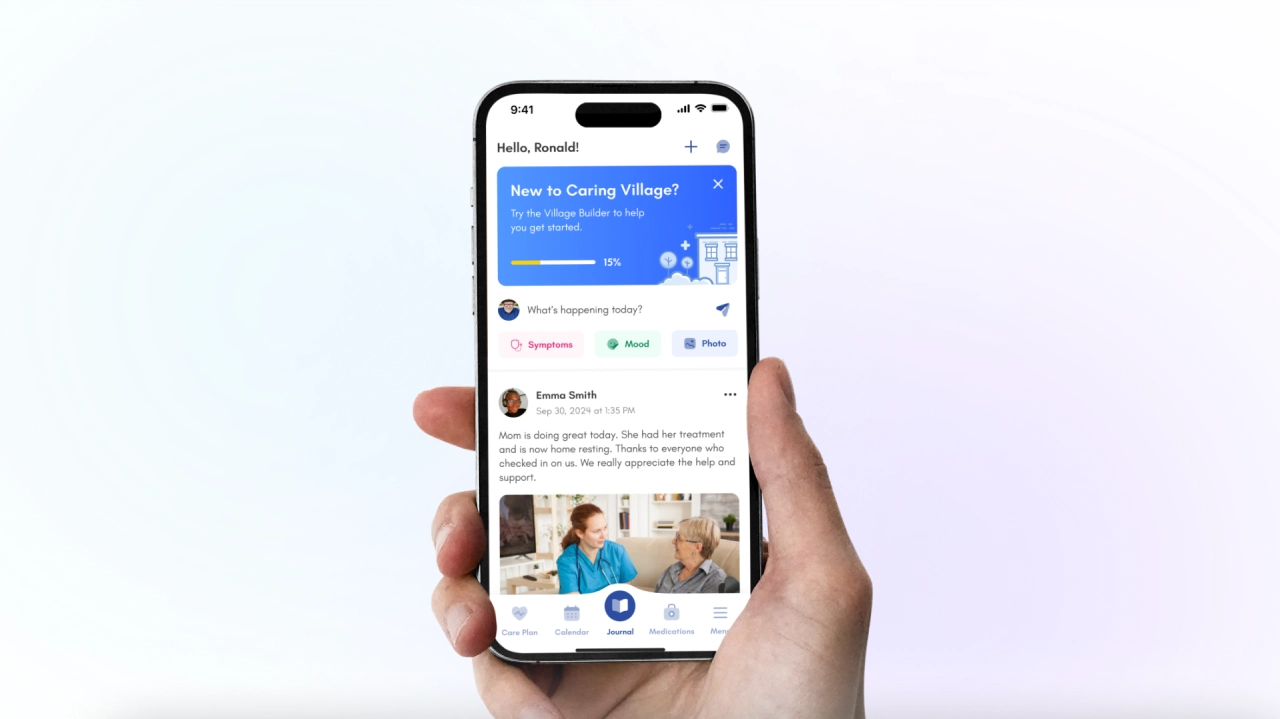
Caring Village was built to be the elder-care anchor in that system. Julia can help answer caregiving questions and organize next steps, while your shared village keeps tasks, medications, documents, and updates in one place.
Try Caring Village for Free. Create your first village today and start moving the logistics out of your head and into a shared space.