



One missed dose, a forgotten door lock, or a simple “I thought you handled it.” This is how dementia caregiving becomes overwhelming. It isn’t a lack of love; it’s a lack of centralized information.
For a broader family-care software comparison beyond dementia-specific tools, see our guide to the best caregiver apps for families.
Dementia is a progressive, relentless challenge where safety risks like wandering and medication errors grow as memory fades. The broader guide to caring for a disabled family member covers benefits, respite, documentation, and daily routines beyond app selection. Because the disease is so unpredictable, understanding dementia and managing it effectively isn’t just a choice—it’s critical to preventing caregiver burnout and ensuring your loved one’s safety.
In this guide, we’ll cover:
- The best dementia caregiver apps and what each one does best.
- A quick way to choose based on your biggest daily stressor.
- A simple framework to coordinate care across families and distance.
Having specialized apps can transform a frantic schedule into a manageable routine. Tools like Caring Village help by keeping tasks, meds, and family updates in one spot, so everyone stays on the same page without the guesswork.
Read on to find the right fit for your family.
What Makes a Great Dementia Caregiver App?
A “great” app doesn’t just add more features; it removes friction. When you’re managing the complexities of dementia, you need a tool that acts as a reliable assistant, not another chore.
For those who have become a caregiver overnight, these tools can be the lifeline that keeps you afloat. To find a solution that truly lightens your load, look for these essentials:
- Simple for Everyone: If a family member can’t figure it out in a minute, it won’t work during a stressful week. It should be easy for everyone to use, regardless of how “tech-savvy” they are.
- A “Digital Brain” for Routines: Dementia care thrives on consistency. The app should track medications and daily habits, holding the routine together even when you’re exhausted.
- Clear Teamwork Tools: Caregiving is rarely a solo job. You need one shared place where everyone can see what’s been done, so you can finally stop digging through endless, messy text threads.
- Smart Alerts: The goal is to avoid “I thought you did it” moments. Clear reminders and safety checks provide a safety net, helping to prevent missed doses or forgotten tasks.
- Secure and Private: Sensitive health details are personal. A professional app keeps this information in a safe, private space—not in a random group chat.
TL;DR: The Best Dementia Caregiver Apps at a Glance
| App Name | Primary Use | Why It Helps | Price |
|---|---|---|---|
| Caring Village | Team Coordination | All-in-one “Command Center” for shared tasks, meds, documents, and messaging. | Free plan; paid from $14.99/mo. |
| Medisafe | Medication Safety | High-stakes reminders with visual pill aids and alerts if a dose is missed. | Free; Premium $4.99/mo. |
| MindMate | Early-Stage Engagement | Daily brain games, workouts, and nutrition plans for the person with dementia. | Free. |
| Lumosity | Brain Training | Personalized daily puzzles to keep cognitive skills sharp and structured. | Free; Premium available. |
| It’s Done! | Anxiety Reduction | Confirms safety tasks (locks, stove) with a sensory “click” to stop second-guessing. | $2.99 one-time. |
| AlzBuddy | Reminiscence | 2,000+ sounds and hits from the 40s-80s to spark memories and joy. | Free. |
| Nymbl Training | Fall Prevention | 10-minute sessions combining balance exercises with trivia to improve stability. | Often free via insurance or local partnerships. |
| SingFit | Emotional Lift | Guided singing and music therapy to connect when words become difficult. | Subscription required for full caregiver access. |
1. Caring Village
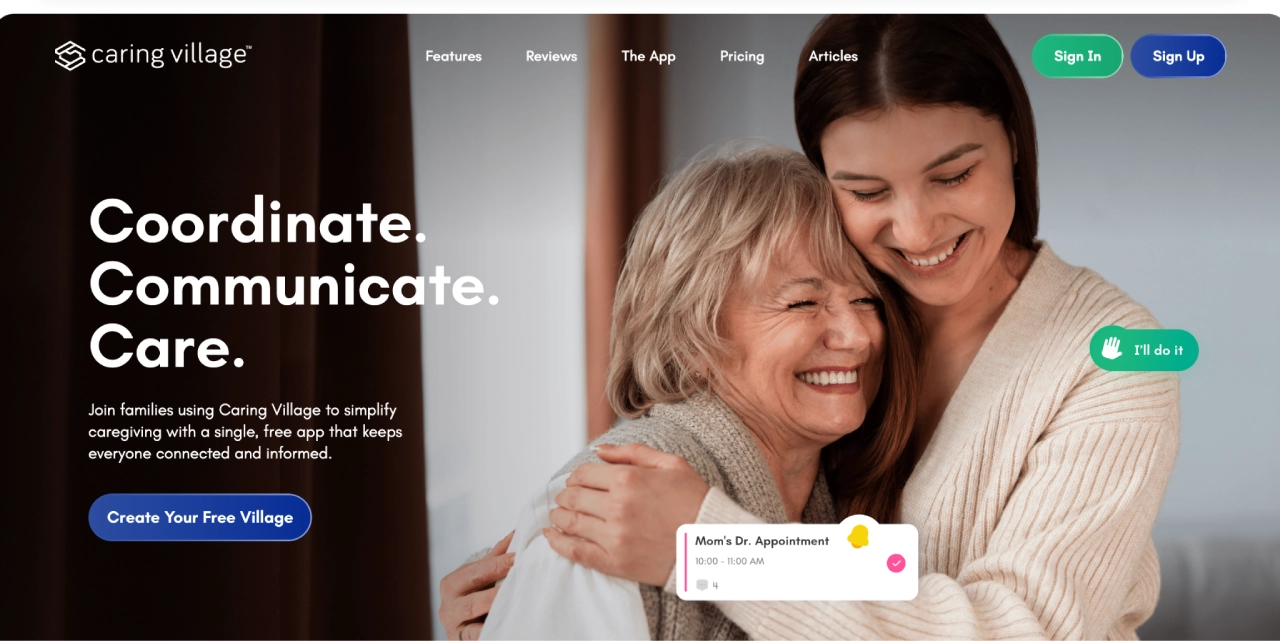
If dementia care feels like juggling too many responsibilities at once, such as meds, doctor visits, and coordinating with family, Caring Village acts as a single, calm command center. It is designed to bring everyone together so you don’t have to carry the weight alone.
What it’s good at:
- Create Your Private “Village”: You can invite family, friends, neighbors, and care partners into one shared space, with member limits based on the plan selected.
- Shared To-Do Lists: Instead of messy text threads, you can list tasks like “Tuesday grocery run” or “refill prescription.” Family members can volunteer for tasks, and everyone sees what’s done in real-time.
- Shared Calendar: Keep appointments, visits, medication routines, and family responsibilities visible in one place so everyone knows what is coming up.
- Clear Medication Tracking: You can store medication lists, photos of pills, and refill schedules. When a sibling asks about a dosage, the answer is right there for everyone to see.
- Secure Document Storage: Keep legal papers like a Power of Attorney or insurance info in one safe spot. It’s secure document storage for families that ensures you aren’t hunting for paperwork during an emergency.
- A Daily Wellness Journal: This is great for spotting patterns, like increased confusion in the afternoon or how a new med affects sleep. You can share these notes directly with doctors.
- Julia, Your AI Assistant: Julia is Caring Village’s AI assistant that helps answer caregiving questions, think through next steps, and organize care decisions. It is available 24/7, but it is not a medical, legal, or crisis service.
Best for: Families who need a “Command Center.” It’s the all-in-one solution that connects medical needs, daily tasks, and family updates. It’s perfect for the primary caregiver who wants to stop being the “middleman” for every detail and start sharing the load with a trusted team.
Available on: Web, iOS, and Android
| Pricing | Free plan available; Plans: Circle $14.99/month or $149.99/year. Village $24.99/month or $249.99/year. |
|---|
“It’s a comfort to be able to just look in regularly just to see how Mom is and know she is fine and is being attended to daily; and without having to feel like, as when calling her, I may be disrupting her routine.”
— Richard Hodgson
2. Medisafe
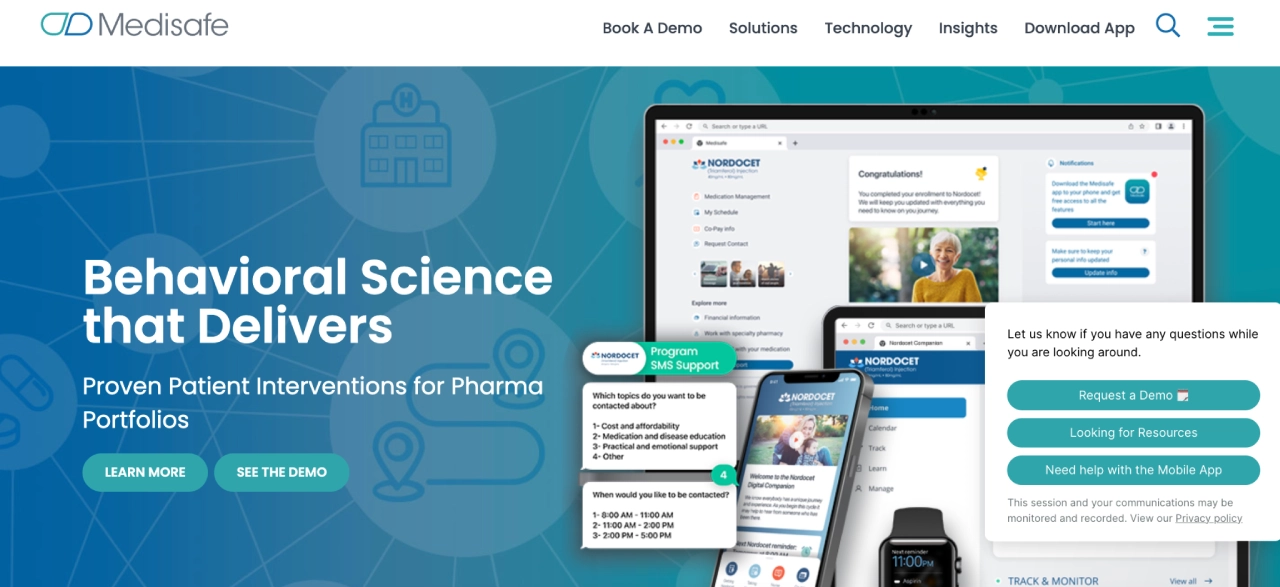
When your biggest risk is a missed dose, Medisafe is a top-tier choice. Compare additional medication management apps for caregivers if you need a shared med list, multiple profiles, symptom reports, or built-in phone options. It acts as a smart, digital pillbox that keeps complex schedules on track, providing an extra safety net for families.
What it’s good at:
- Visual Aid: It shows the exact shape and color of each pill, which is vital for preventing confusion between different medications.
- The “Medfriend” Alert: This is a caregiver favorite. If a dose is missed, the app automatically notifies a family member so they can check in immediately.
- Proactive Reminders: Unlike a simple alarm, Medisafe continues to nudge you until the dose is marked as “taken.”
- Safety Checks: It includes a drug interaction tool that flags potential risks between different medications.
Best for: Families managing multiple prescriptions or strict routines where one missed dose could lead to a crisis.
Available on: Web, iOS, and Android
| Pricing | Free to download, but as of 2026, the free version is often limited to tracking only a few medications. To unlock unlimited meds, “Medfriends,” and full health reports, a monthly ($4.99) or annual ($39.99) Premium subscription is required. |
|---|
3. MindMate
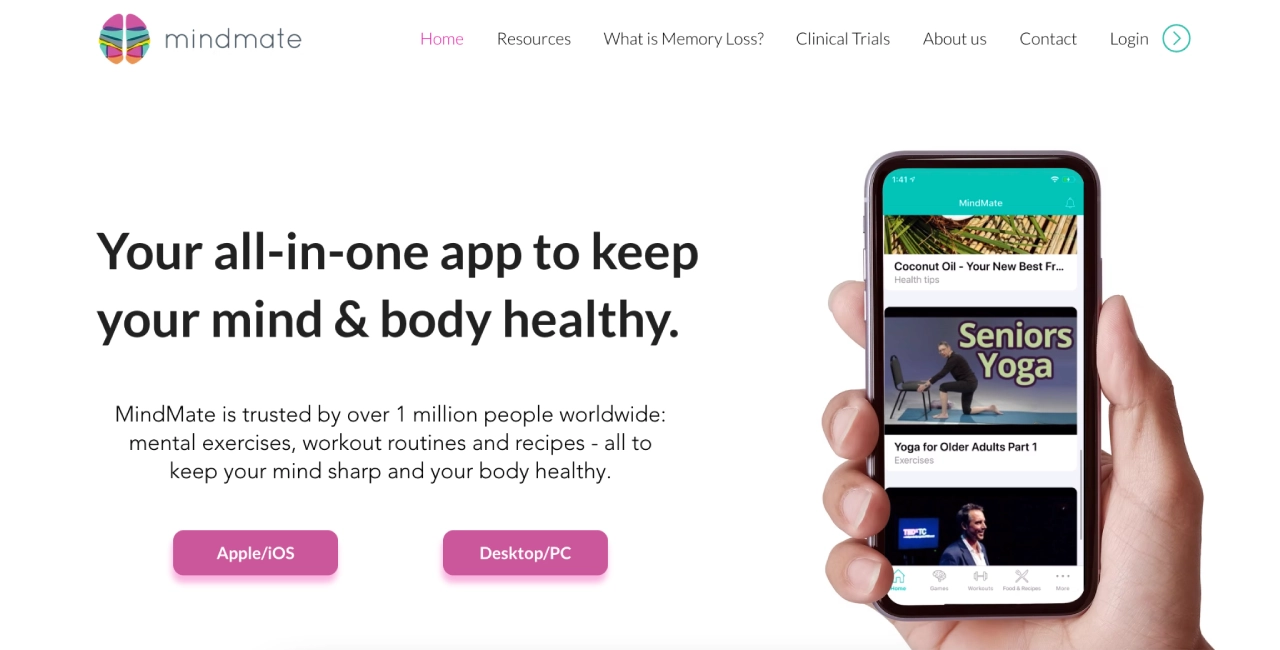
If you want to focus on keeping your loved one’s mind active, MindMate is a strong addition to your toolkit. MindMate is designed for the person living with memory loss to use directly, helping them stay engaged and proactive about their health.
This app is excellent for those trying to recognize the first signs of dementia and intervene early with cognitive stimulation.
What it’s good at:
- Interactive Brain Games: The app offers games based on cognitive research to challenge memory, speed, problem-solving, and attention.
- Daily Activity Plans: It removes the guesswork from healthy aging by providing a daily schedule of mental and physical activities.
- Physical Workouts: It includes personalized exercise routines tailored to different fitness levels to help keep the body as fit as the mind.
- Nutrition and Recipes: It offers healthy recipes and nutritional advice specifically chosen to support brain health and overall wellness.
- Educational Content: The app features a library of videos and articles that teach users and family members about dementia, Alzheimer’s, and healthy aging.
Best for: Individuals with early-stage memory loss or those prioritizing healthy aging. It is a great choice for families who want a self-guided way for their loved one to stay mentally and physically active.
Available on: iOS (iPhone and iPad)
| Pricing | Free to download and use. |
|---|
4. Lumosity
While Lumosity isn’t a medical tool, it is one of the most popular ways to keep the mind active. Before choosing it, read this evidence-aware brain training app comparison, which separates practice benefits from unsupported dementia-prevention claims. For those learning how to help a loved one age in place, cognitive health is just as important as physical safety.
It’s built on the idea of neuroplasticity, which is the brain’s ability to adapt and learn at any age. The app also offers a fun, structured way to “work out” different mental skills.
What it’s good at:
- Targeted Brain Games: The app features over 40 games that focus on five core areas: memory, attention, speed, flexibility, and problem-solving.
- Personalized Daily Workouts: Lumosity creates a “Fit Test” to see where you are starting from, then builds a daily set of games tailored to your skill level.
- Progress Tracking: It provides a “Lumosity Performance Index” (LPI) so you can see how your scores change over time. For many, seeing these numbers go up can be a great confidence booster.
- Easy and Engaging: The games are designed to be colorful and fun, making it feel less like a clinical test and more like a relaxing daily habit.
Best for: Individuals in the early stages of dementia who enjoy puzzles and want a sense of accomplishment. It’s perfect for adding a bit of structure and mental stimulation to a morning or afternoon routine.
Available on: iOS, Android, and Desktop.
| Pricing | Free to download with a limited daily workout (usually three games). Lumosity Premium (~ $11.99/month or ~$89/year) unlocks the full library of 50+ games and detailed performance insights. |
|---|
5. It’s Done!
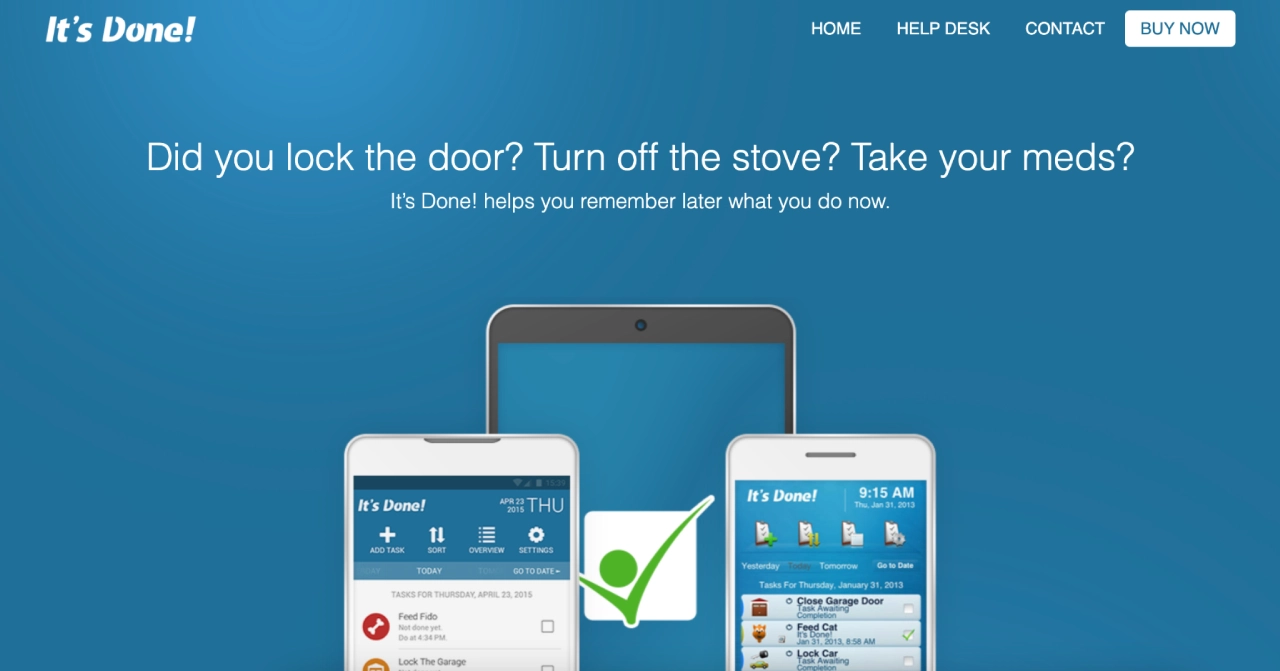
This app helps quiet that heart-sinking moment many caregivers know well: the “did I actually do that?” spiral. It is not just a reminder to do a task. Instead, it provides a way to give yourself and your loved one the peace of mind that comes with instant proof that a job is finished.
What it’s good at:
- Silencing the Doubts: It targets those nagging worries like whether you locked the back door or if your loved one took their vitamins.
- Sensory Confirmation: When you check off a task, the app makes a satisfying click sound and vibrates. This creates a multi-sensory memory that helps lock the action in your mind.
- Keeping the Family Notified: You can set the app to automatically text or email a family member once a task is done. This is a gentle way to keep everyone informed without needing a constant stream of phone calls.
- Quick Setup: It comes with 40 pre-loaded daily tasks, such as turning off the stove or feeding the cat, so you can start lowering your stress levels in minutes.
Best for: Reducing the daily anxiety of second-guessing. It is a wonderful fit for the caregiver who is juggling a lot and for those in the early stages of dementia who want to stay independent while feeling safe and secure.
Available on: iOS and Android.
| Pricing | A one-time purchase of $2.99. It is a simple, affordable tool with no hidden monthly fees—just straightforward help when you need it most. |
|---|
6. AlzBuddy
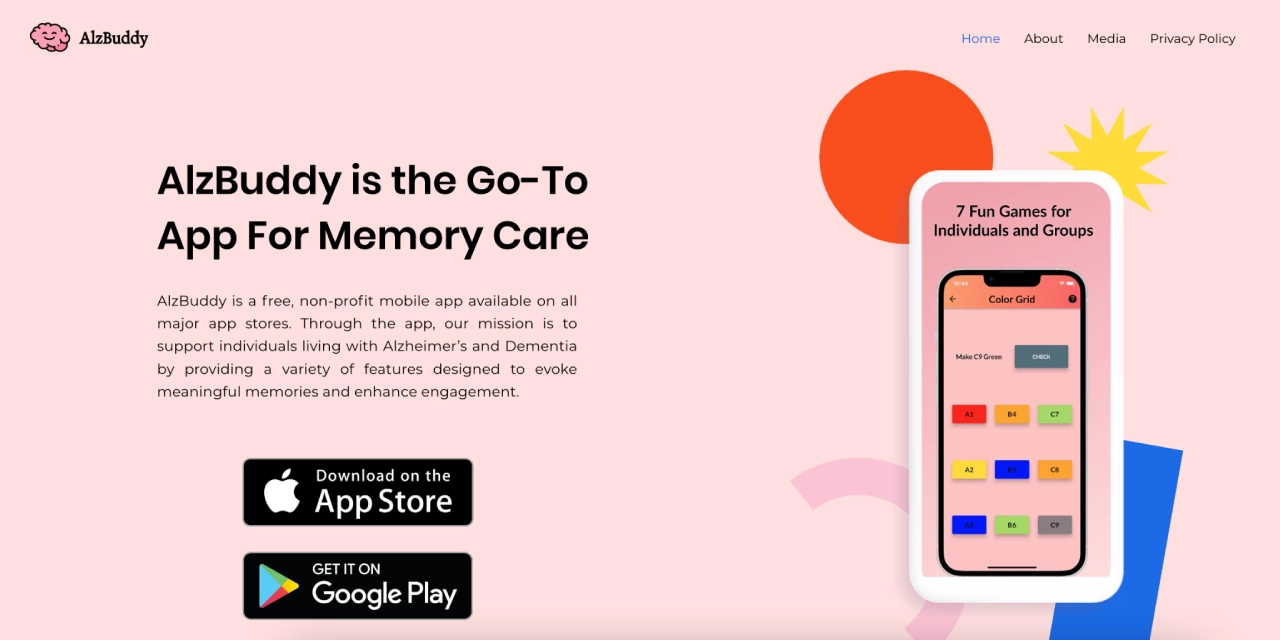
If your focus is on comfort and connection, AlzBuddy is a heart-centered tool.
While other apps focus on productivity, this one is all about engagement. It was designed specifically to help seniors feel more connected to the world through the power of nostalgia.
What it’s good at:
- Nostalgia Library: It features nearly 2,000 sounds, including classic hits from the 40s to the 80s, vintage commercials, and famous historical speeches to help spark memories.
- Simple Interactive Games: The app includes easy-to-play games like a color grid and picture association, designed with large buttons for those who aren’t tech-savvy.
- Daily Engagement: Every day, it provides a “This Day in History” fact, a positive affirmation, and an inspiring quote to start the morning on a bright note.
- Visual Conversation Starters: With over 800 high-quality pictures of animals, world figures, and household objects, it gives families an easy way to reminisce together.
Best for: Families who want to prioritize emotional well-being and memory stimulation. It is a perfect choice for those in the early-to-middle stages of dementia who respond well to music and visual cues from the past.
Available on: iOS and Android.
| Pricing | Free. As a non-profit initiative, there are no subscriptions or hidden fees—just a simple way to bring more joy to your loved one’s day. |
|---|
7. Nymbl Training
Falls are one of the biggest safety risks in dementia care, and Nymbl Training is designed to address this at the source. Rather than just focusing on physical strength, it uses “dual-tasking” to help the brain and body work together more effectively.
What it’s good at:
- Brain and Body Workouts: The app combines simple physical movements—like marching in place—with fun brain games and trivia. This helps your loved one practice staying steady even when they are distracted, which is how most falls happen in real life.
- Short, Safe Sessions: Training takes only 10 minutes a day and can be done entirely from home. There are even seated options for those who are at a higher risk of falling or have limited mobility.
- Bladder Health Support: A recent update includes tools for pelvic floor health. Since rushing to the bathroom is a common cause of falls, this feature helps tackle two problems at once.
- Confidence Building: By improving balance in a low-stress way, the app helps seniors feel more independent and less afraid of moving around their home.
Best for: Caregivers who want to reduce fall risk and help their loved one stay mobile and confident. It is particularly helpful for those in the earlier stages of dementia who can follow basic instructions.
Available on: iOS and Android.
| Pricing | Some users may access Nymbl through insurance providers or regional health partnerships. In New Zealand, ACC refers to the Accident Compensation Corporation. Check your provider or local program for eligibility; otherwise, a subscription may be required. |
|---|
Beyond using an app, you should also be aware of why seniors face increased risks on stairs and how to mitigate those physical hazards.
8. SingFit
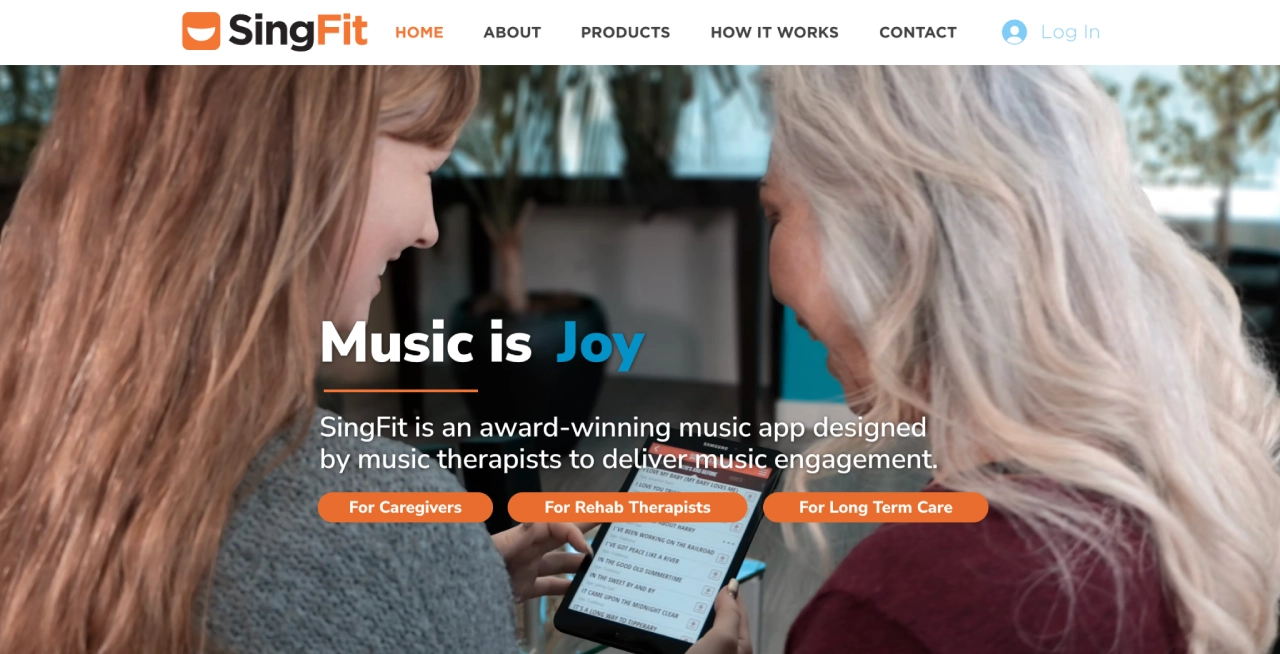
Dementia care needs moments of joy, and SingFit helps bring them back through the power of music.
Since the parts of the brain that process music are often the last to be affected by dementia, singing can be a powerful way to connect with your loved one even when words become difficult.
What it’s good at:
- Guided Singing Sessions: The app uses lyric-cuing technology, which gives a “voice prompt” just before each line is supposed to be sung. This makes singing failure-free and fun, as your loved one doesn’t have to worry about forgetting the words.
- Music as Medicine: Designed by certified music therapists, the app focuses on active engagement. Research shows that therapeutic singing can help improve mood, reduce anxiety, and even help with speech and communication.
- Personalized Playlists: You can choose from a massive library of classic hits—from big band era to rock and roll—tailored to the music your loved one grew up with.
- Caregiver Support: It isn’t just a music player; it includes instructional videos and conversation prompts to help you turn a song into a meaningful shared experience.
Best for: Families looking for mood elevation and emotional connection. It is an incredible tool for turning a difficult afternoon into a bright one and for reaching a loved one through the songs they have always loved.
Available on: iOS and Android.
| Pricing | The app is free to download and includes a small selection of songs to try. Full access to the caregiver library and therapist-designed protocols requires a SingFit STUDIO Caregiver subscription; confirm current pricing directly with SingFit. |
|---|
How to Choose the Right App for Your Situation
Choosing the right tool depends on which gap in care you are most worried about today. Use this quick filter to find the best starting point based on the daily stressor you want to eliminate.
| If the biggest challenge is… | Start with… | Because… |
|---|---|---|
| Medication & refill chaos | Medisafe | It is built specifically for high-stakes pill reminders and tracking. |
| “Who is doing what?” confusion | Caring Village | It’s a “Command Center” for shared tasks, secure messaging, and care plans. |
| Second-guessing the routine | It’s Done! | It provides instant confirmation that a safety task actually happened. |
| Early-stage engagement | MindMate or Lumosity | These offer rewarding activities that keep the mind active and structured. |
| A confusing home layout | A home-safety checklist | Use a step-by-step checklist to identify hazards before they become emergencies. |
| Fall risks & mobility | Nymbl Training | It trains balance and focus at the same time to prevent accidents. |
| Mood & emotional connection | SingFit or AlzBuddy | Music and nostalgia often reach loved ones even when words are hard. |
Here are also a few final questions to help you decide:
- Team vs. Solo: Do you need to coordinate with siblings and pros (Caring Village), or are you looking for a personal tool for your loved one (MindMate)?
- The Current Stage: Is your loved one in the early stage (engagement/games) or moving into a stage where safety and management (meds/docs) are the priority?
- The Goal: Are you looking for management (keeping things organized) or engagement (sparking joy and activity)?
- The Tech: Does everyone in your care circle use the same devices? Most of these work on both iOS and Android, but it is always good to double-check.
“[Caring Village] has been a life saver! I don’t know where we would be without it! My Mom’s care has been changing a lot lately and we have been able to communicate the changes in real time.“
— Kate Flanagan
Tips for Getting the Most Out of Your Caregiving Apps
Using technology should simplify your life, not add another item to your to-do list. Here is how to integrate these tools into your daily rhythm without feeling overwhelmed.
1. Choose One “Core” App First
Trying to learn three new apps at once usually leads to burnout. Start with one tool that solves your biggest headache:
- For Coordination: Start with Caring Village to organize the family.
- For Safety: Start with Medisafe for medication management.
- For Peace of Mind: Start with It’s Done! to track daily tasks.
Once your core routine feels stable, you can add an engagement tool like SingFit or AlzBuddy for moments of connection.
If you’re already feeling the strain, learn how to avoid caregiver burnout before adding more to your plate.
2. Create a 15-Minute Weekly Sync
If you are managing care with a group, a short, scheduled check-in prevents “reactive chaos.” Try this workflow:
- Before the Sync: Everyone adds a quick update to the Wellness Journal (mood, appetite, or sleep changes).
- During the Sync: Review upcoming doctor visits and assign who is handling which tasks for the week.
- After the Sync: Send one final message to the group confirming the “Plan for the Week.”
3. Use Alerts as a Safety Net
Don’t treat reminders as mere suggestions. To make them effective:
- Set it and forget it: Input recurring meds and appointments once, so they happen automatically.
- Assign Ownership: Clearly mark who receives which alert so everyone knows who is “on point” for a specific task.
- Pick a Master Calendar: Avoid duplicate entries by choosing one app to be your primary source of truth.
4. Share Access Before You Need It
The best time to invite siblings or friends into your “Village” is while things feel stable. Having your team already logged in and familiar with the app ensures that if a crisis or a sudden decline happens, you aren’t scrambling to explain the system—everyone is already ready to help.
Caring Village is a strong fit for families that need one shared place for tasks, medication lists, documents, calendar items, messages, and wellness updates.
Medisafe is focused on medication reminders and missed-dose alerts. Families that also need broader coordination can pair a medication app with a shared care hub like Caring Village.
No. Dementia caregiver apps can help with coordination, reminders, and communication, but medical, legal, safety, and crisis decisions should be handled with qualified professionals.
Stop Juggling the Chaos: Take Control with a Command Center
Dementia caregiving is one of the hardest jobs in the world, and you shouldn’t have to do it alone or with a scattered system. As you move forward, remember to create a dementia-friendly home to complement these digital tools.
These apps are designed to catch the details before they slip through the cracks—whether that is a missed dose, a forgotten lock, or a confusing family text thread.
As you move forward, keep these three steps in mind:
- Establish one “Command Center” so updates and tasks stay in one place rather than being lost in notebooks or endless group chats.
- Prioritize safety tools for medications and routines to prevent the most common daily risks.
- Introduce engagement tools slowly, focusing on music or games that genuinely reduce stress for both of you.
If you are coordinating care with siblings, friends, or professionals, Caring Village is designed specifically to be that “Command Center.” It brings your messaging, medication lists, legal documents, and wellness updates into one secure hub. Instead of managing a dozen disconnected systems, you get one clear picture of your loved one’s care.
Ready to reclaim your peace of mind? Start your Village today and see how much easier it is to focus on your loved one when the coordination is handled together.